Preview background
Yes. You can create and download PNGs for free with freepng.ai. Optional subscriptions provide more creative options and advanced features.
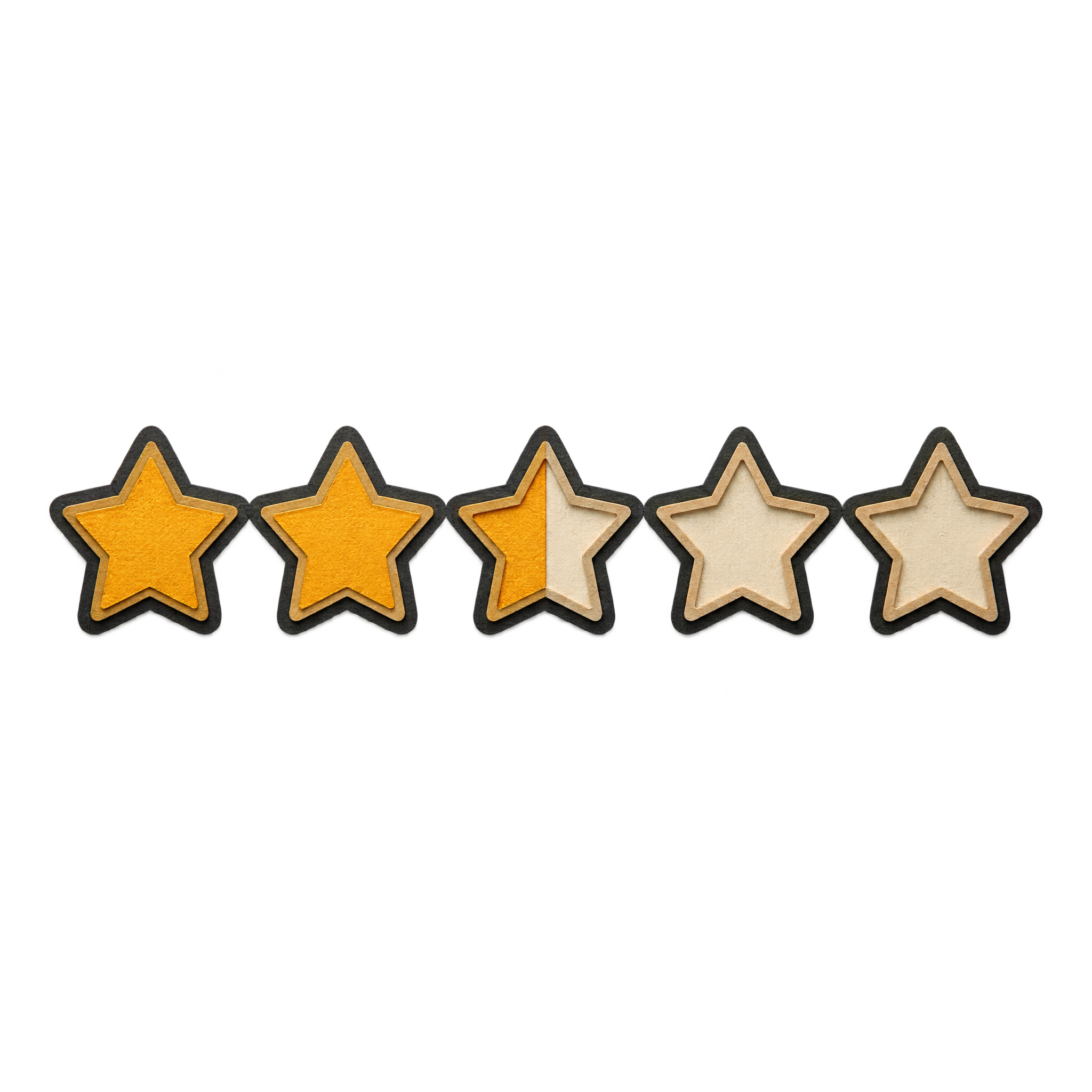
You can download the available PNG or open the PNG generator to make a related design. Enter a description of the paper-cut style, star arrangement, rating states, and colors you want, then generate and download your result.
Yes. The PNG has transparency, so the layered star artwork can sit over review cards, dashboards, presentation slides, and other backgrounds without a surrounding rectangular backdrop.
PNG supports transparent backgrounds, while JPG does not. That makes PNG more suitable when the star rating needs to blend cleanly into a layout. The downloadable format here is PNG.
Place it close to the rating value, review heading, or feedback summary so its meaning is immediately clear. Leave enough open space around the layered edges and keep related text aligned along a consistent horizontal or vertical axis.
Choose a background that contrasts with both the stars and their layered edges. Neutral panels can emphasize the tactile paper effect, while a restrained accent color can connect the icon to buttons, score labels, or other interface details.