1Pink Heart Emoji PNG images
Newest
Pink Heart Emoji PNG GUIDE
Pink Heart Emojis for Romantic Designs
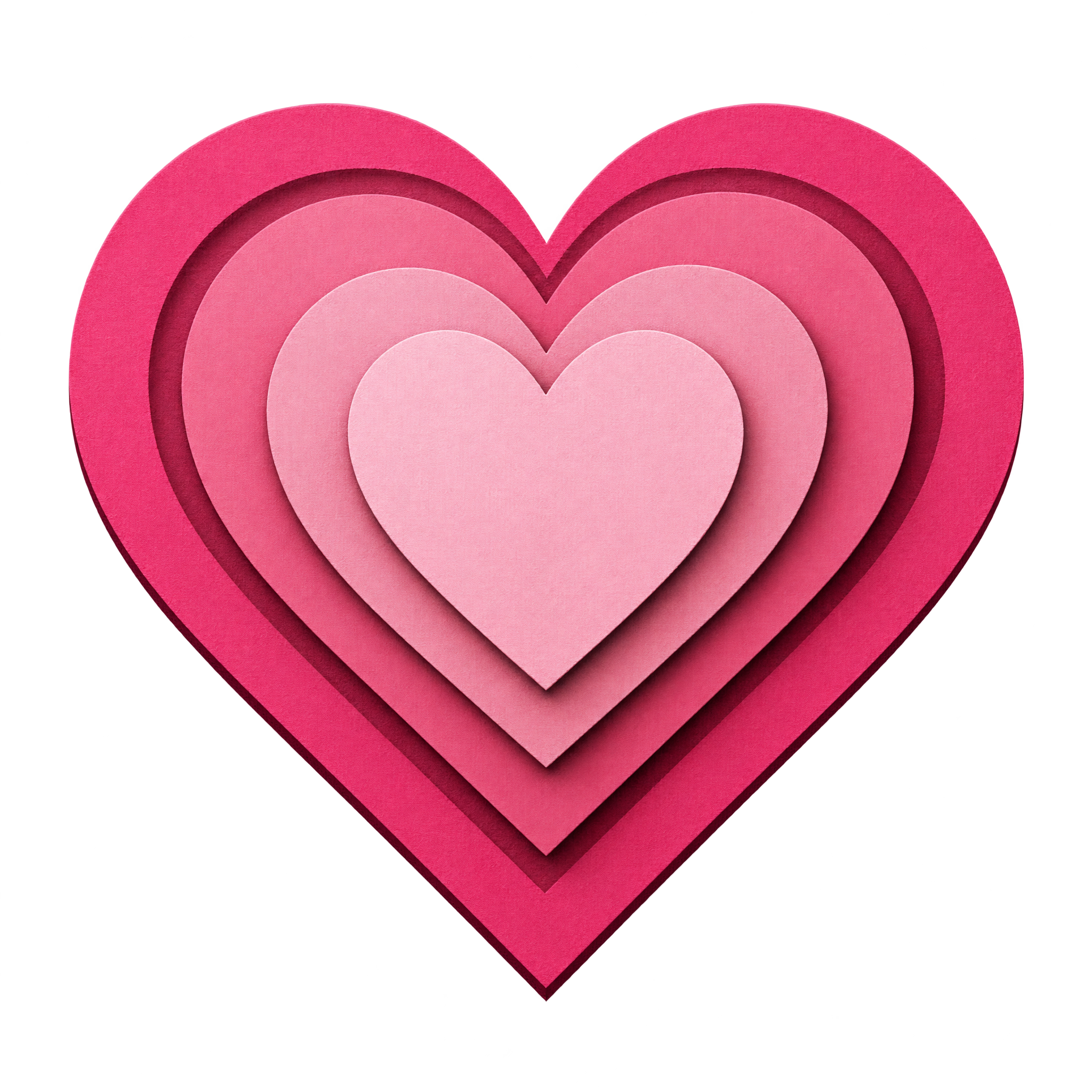
A glass heart adds polished dimension, while paper-cut layers suit craft-inspired greetings. Ink contours create a playful sticker-like accent, and soft watercolor works well for invitations or affectionate notes. Consider the surrounding type and background when choosing between crisp edges and organic texture.
Download a free PNG or create a tailored version in the PNG generator.
QUICK WORKFLOW
Create a Pink Heart Emoji PNG
A glossy glass heart suits polished social graphics, while a watercolor treatment brings a softer tone to invitations and affectionate notes.
- 1Choose the Heart Treatment
Choose dimensional glass for a polished symbol or expressive ink contours for a playful, sticker-like result.
- 2Define the Heart Shape
Shape the heart description in the AI workspace by specifying a centered composition, rounded or broad-point silhouette, and glass, paper-cut, ink, or watercolor treatment.
- 3Check the Heart Edges
Inspect the generated heart to ensure watercolor edges remain intentional, paper-cut layers stay distinct, or black ink contours remain readable against the intended layout.
PNG FAQ
Questions about Pink Heart Emoji PNG
Can I create and download a pink heart emoji PNG for free?
Yes. freepng.ai supports free PNG creation and downloads. An optional subscription provides more creative options and advanced features, but it is not required for every creation or download.
How can I get a pink heart emoji PNG or make a related design?
Choose an available heart image to download, or open the PNG generator and enter a description of your preferred look. For example, request a centered pink glass heart, a layered paper-cut heart, an ink-outlined emoji, or a soft watercolor design.
Why use PNG instead of JPG for a pink heart emoji?
PNG can preserve transparent areas around the heart, allowing it to sit cleanly over another design. JPG does not support transparency in the same way. Downloads from this collection are provided as PNG.
Do these pink heart emoji images have transparent backgrounds?
Yes. The featured heart artwork includes transparency, so the isolated emoji can be placed over cards, listings, messages, and other layouts without a solid rectangular background.
How should I place a pink heart emoji in a layout?
Use one heart as a compact accent near a title, message, or product detail, and leave enough space around its silhouette. You can also upload the PNG as an image asset in Canva, then position it within your design.
What colors and design elements pair well with a pink heart emoji?
White or deep neutral backgrounds make pink stand out clearly. Soft cream, blush, and muted red create a gentle romantic mood, while black typography pairs especially well with ink-outlined hearts and gives the composition stronger contrast.
CREATE WITH AI
Create with AITry the available PNG generator
Open the AI workspace and describe the transparent PNG you want to create.