Rectangle PNG GUIDE
Rectangle PNGs for Labels and Frames
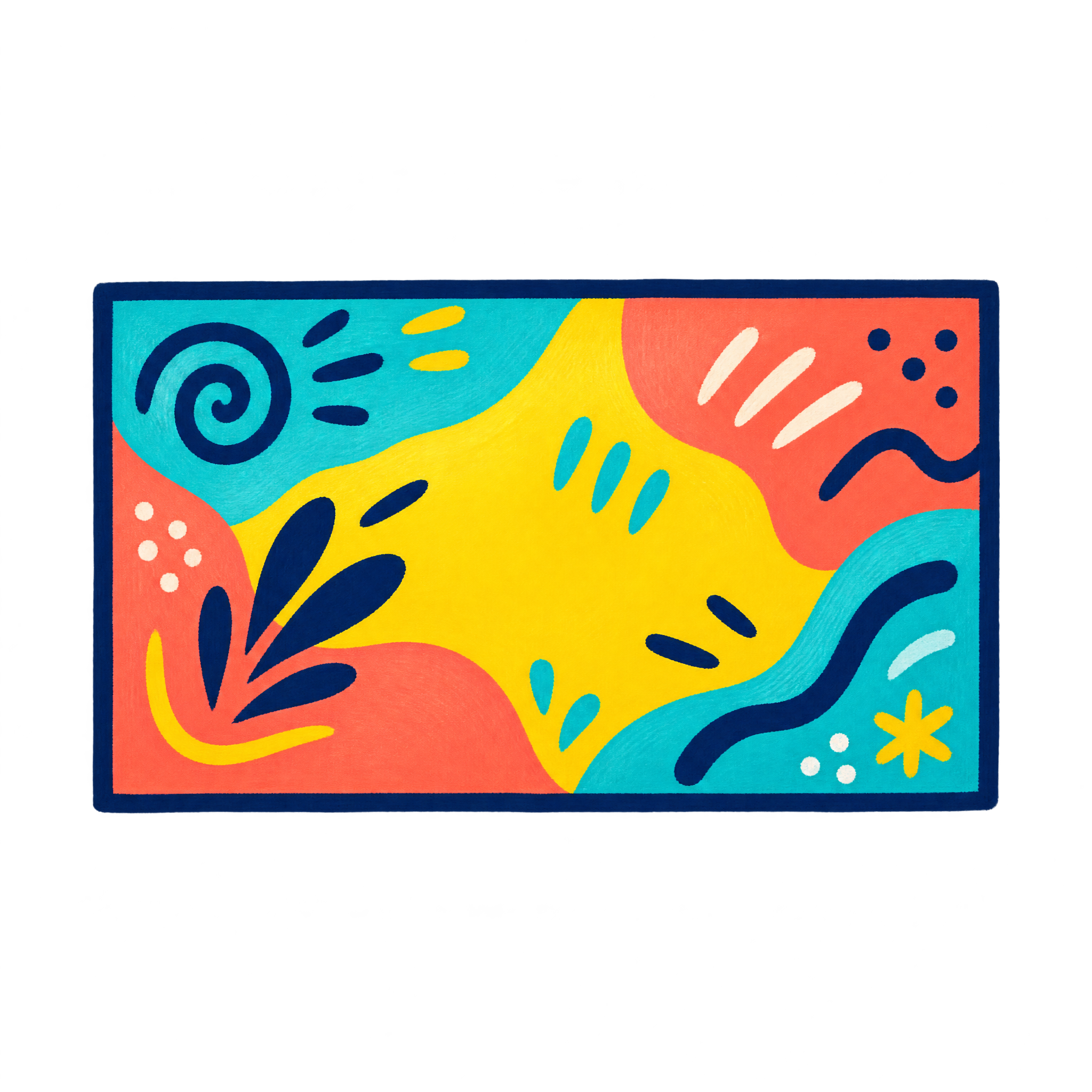
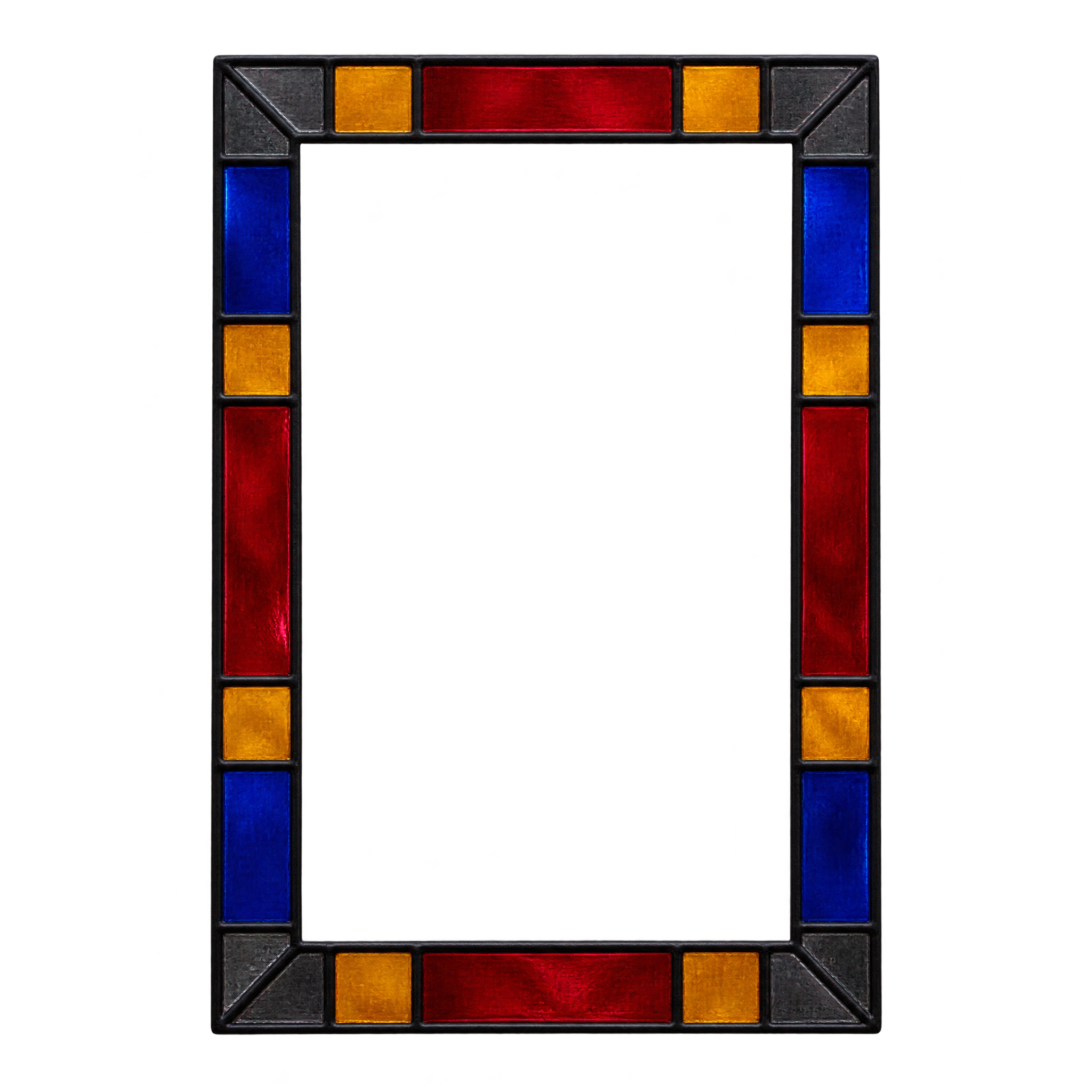
Hollow rectangle PNGs provide a defined area for invitations, diagram highlights, or framed content. Filled placards and dimensional slabs work well as labels or presentation graphics. A crisp double-line border suits structured layouts, while decorative glass adds more visual character.
Download a free PNG or create a custom rectangle in the PNG generator.
QUICK WORKFLOW
Create a Rectangle PNG
A double-line frame can highlight diagrams, while an illustrated placard creates a cheerful label; use these decisions to shape a new rectangle PNG.
- 1Choose Frame or Placard
Choose a crisp double-line frame for diagram highlights or a playful illustrated placard for cheerful labels.
- 2Set Rectangle Details
Set the rectangle’s orientation, hollow or filled construction, and border treatment in the description you enter in the AI workspace.
- 3Check Shape Readability
Check that the border stays distinct around a transparent center, or that a filled placard keeps a clean silhouette on its intended background.
PNG FAQ
Questions about Rectangle PNG
Can I create and download a Rectangle PNG for free?
Yes. You can create and download PNGs for free on freepng.ai. An optional subscription provides more creative options and advanced features, but it is not required for basic creation and downloads.
How do I download an existing Rectangle PNG or make a new one?
Choose an available rectangle design to download, or open the PNG generator to make a related image. In the AI workspace, enter a description covering the rectangle’s shape, border, orientation, and style, then generate and download the PNG.
What related rectangle styles can I explore?
Look for hollow double-line frames, stained-glass borders, playful illustrated placards, or angled clay slabs. These styles offer different treatments for labels, highlights, invitations, diagrams, and presentation layouts.
How does PNG differ from JPG for rectangle graphics?
PNG supports transparency, which is useful when a rectangle frame or shape needs to sit cleanly over another layout. JPG does not support transparent areas. Downloads from this collection are provided as PNG files.
How should I place a rectangle PNG in a layout?
Leave enough space around a hollow frame so its border remains visible, and align filled rectangles with nearby text or diagram elements. In Canva, upload the PNG as an image asset, then position and size it within your design.
What colors pair well with rectangle artwork?
Use clear contrast between the rectangle and its background. A crisp outline benefits from a quieter backdrop, while colorful stained-glass or cartoon treatments pair well with simpler typography and restrained surrounding graphics.