2Star Of Life PNG images
Newest
Star Of Life PNG GUIDE
Star of Life Symbols for Clear Layouts
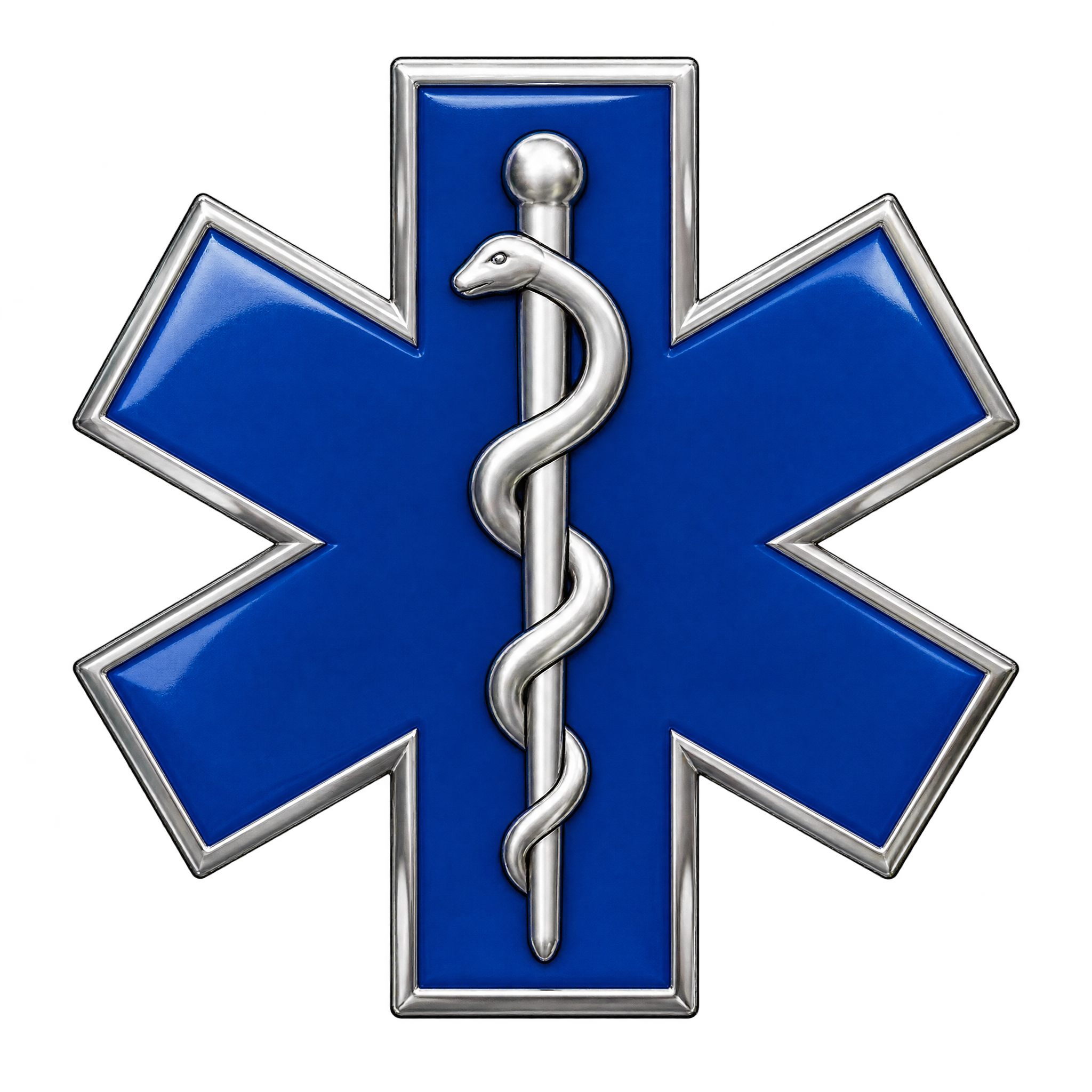
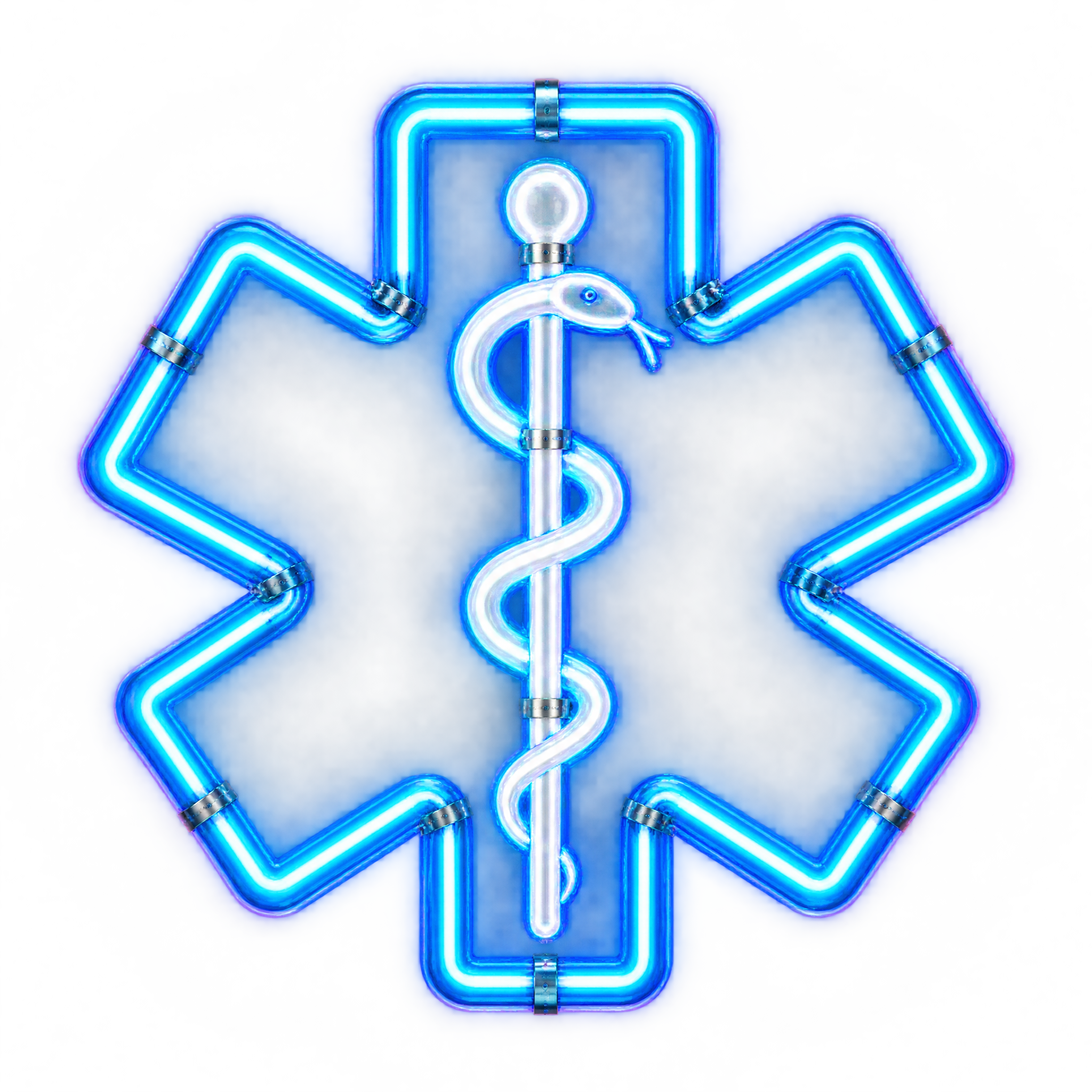
Use a geometric treatment for emergency signage and safety guides where fast recognition matters; watercolor or layered paper-cut styling can soften educational and wellness layouts. Neon adds emphasis to displays, while a raised badge look suits formal EMS presentations.
Download a free PNG, or open the AI workspace to create a version matched to your layout.
QUICK WORKFLOW
Create a Star of Life PNG
A crisp geometric or luminous Star of Life emblem can support emergency signage, healthcare displays, and safety presentations.
- 1Pick an Emblem Treatment
Choose a crisp geometric treatment for signage or a softly painted watercolor look for wellness materials.
- 2Specify the Medical Details
Define a centered emblem, a readable serpent-entwined staff, and clear internal separation in the description you enter in the AI workspace.
- 3Check Staff Readability
Check that the serpent-entwined staff stays legible at the intended size and that neon glow or layered edges do not blur the medical symbol.
PNG FAQ
Questions about Star Of Life PNG
Can I create and download a Star Of Life PNG for free?
Yes. You can create and download PNG images for free. An optional subscription provides more creative options and advanced features, but it is not required for basic creation and downloads.
How can I get or create a Star Of Life PNG?
Download an available PNG, or open the PNG generator and enter a description of the emblem you want. Specify details such as a geometric, watercolor, neon, paper-cut, or raised badge treatment and a readable serpent-entwined staff.
Do these Star Of Life PNG images have transparent backgrounds?
Yes. The available artwork has transparency, allowing the medical emblem to sit cleanly over signs, presentation slides, educational materials, and other layouts without a visible rectangular background.
How does PNG differ from JPG for a Star of Life symbol?
PNG can preserve transparent areas around the emblem, while JPG does not support transparent backgrounds. That makes PNG useful when the symbol needs to be placed over another color or design. Downloads here are provided as PNG.
How should I position a Star of Life symbol in a layout?
Keep the emblem centered or in a clearly separated focal area, with enough open space around its points and staff to preserve recognition. For Canva, upload the PNG as an image asset, position it in the design, and size it to support the surrounding text.
Which colors and styles pair well with Star of Life artwork?
A blue watercolor treatment can complement calm wellness or educational layouts, while luminous cyan neon creates stronger emphasis on a dark field. For formal safety materials, use a geometric or raised treatment with clear contrast so the internal staff remains readable.
CREATE WITH AI
Create with AITry the available PNG generator
Open the AI workspace and describe the transparent PNG you want to create.