3Star Emoji PNG images
Newest


Star Emoji PNG GUIDE
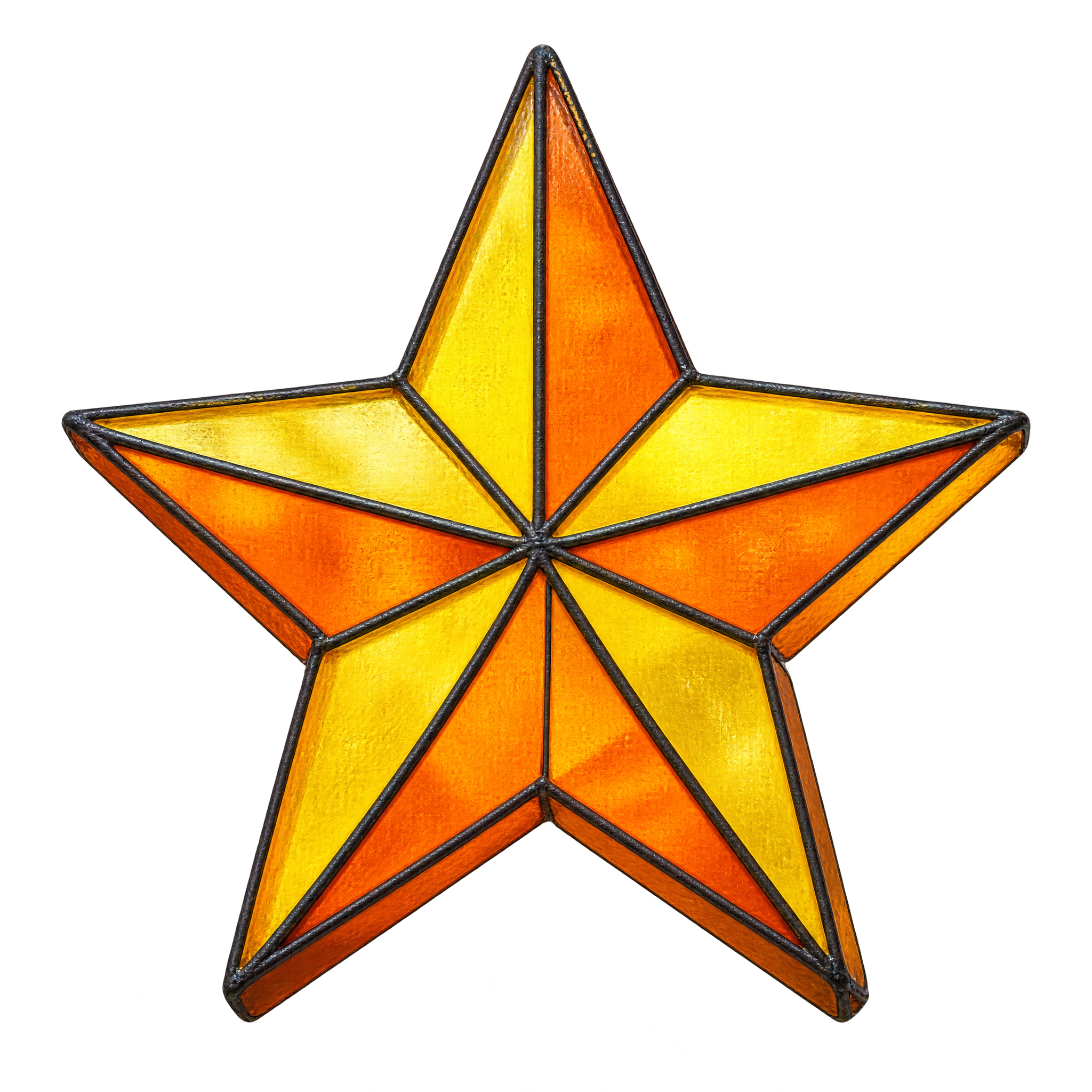
Star Emoji Accents for Clear Layouts
Rounded, solid stars suit small message accents and labels, while bold contours remain distinct in busy layouts. Faceted glass or engraved treatments add texture to invitations, presentation graphics, and editorial compositions. Choose an existing free PNG download for a ready-made accent, or open the AI workspace and enter a description to create a related star design.
QUICK WORKFLOW
Create a Star Emoji PNG
A rounded ink star makes a clear sticker or message accent, while faceted or engraved detail gives invitations and presentation graphics a decorative focal point.
- 1Pick the Star Treatment
Choose a compact rounded star with a solid body for clean accents, or use angular facets and engraved contours for a more decorative result.
- 2Define Shape and Detail
Define the star in your AI workspace description with rounded or crisp tips, a solid or segmented body, and either a bold contour or engraved hatching.
- 3Check Edge Readability
Check that the star tips remain distinct and that inset highlights, facet edges, or interior hatching stay readable at the intended placement size.
PNG FAQ
Questions about Star Emoji PNG
Can I create and download a star emoji PNG for free?
Yes. You can create and download star emoji PNG images for free. An optional subscription provides more creative options and advanced features.
How can I get or create a star emoji PNG?
Download an existing PNG, or open the PNG generator and enter a description of the star you want. Include details such as rounded arms, crisp tips, bold outlines, faceted sections, or engraved hatching, then generate and download the result as a PNG.
Which star emoji style should I choose?
Choose a compact rounded star for messages, labels, or small interface accents. A bold ink outline works well for stickers, while faceted glass or engraved details create a more decorative look for invitations, slides, and editorial layouts.
Do these star emoji PNG images have transparent backgrounds?
Yes. The featured star emoji artwork uses transparency, allowing the star shape to sit over colored panels, messages, presentation slides, and other design elements without a surrounding rectangular background.
How should I place a star emoji in a layout?
Use one star as a focal accent near a heading, badge, or short message, and leave enough space around its tips to keep the silhouette clear. For Canva designs, upload the PNG as an image asset and position it within the layout.
What colors and elements pair well with star emoji artwork?
Yellow or gold stars create a bright, celebratory mood and contrast well with dark blue, charcoal, or deep purple. Bold ink contours suit simple typography, while stained-glass facets and engraved textures pair naturally with restrained backgrounds and decorative details.
CREATE WITH AI
Create with AITry the available PNG generator
Open the AI workspace and describe the transparent PNG you want to create.