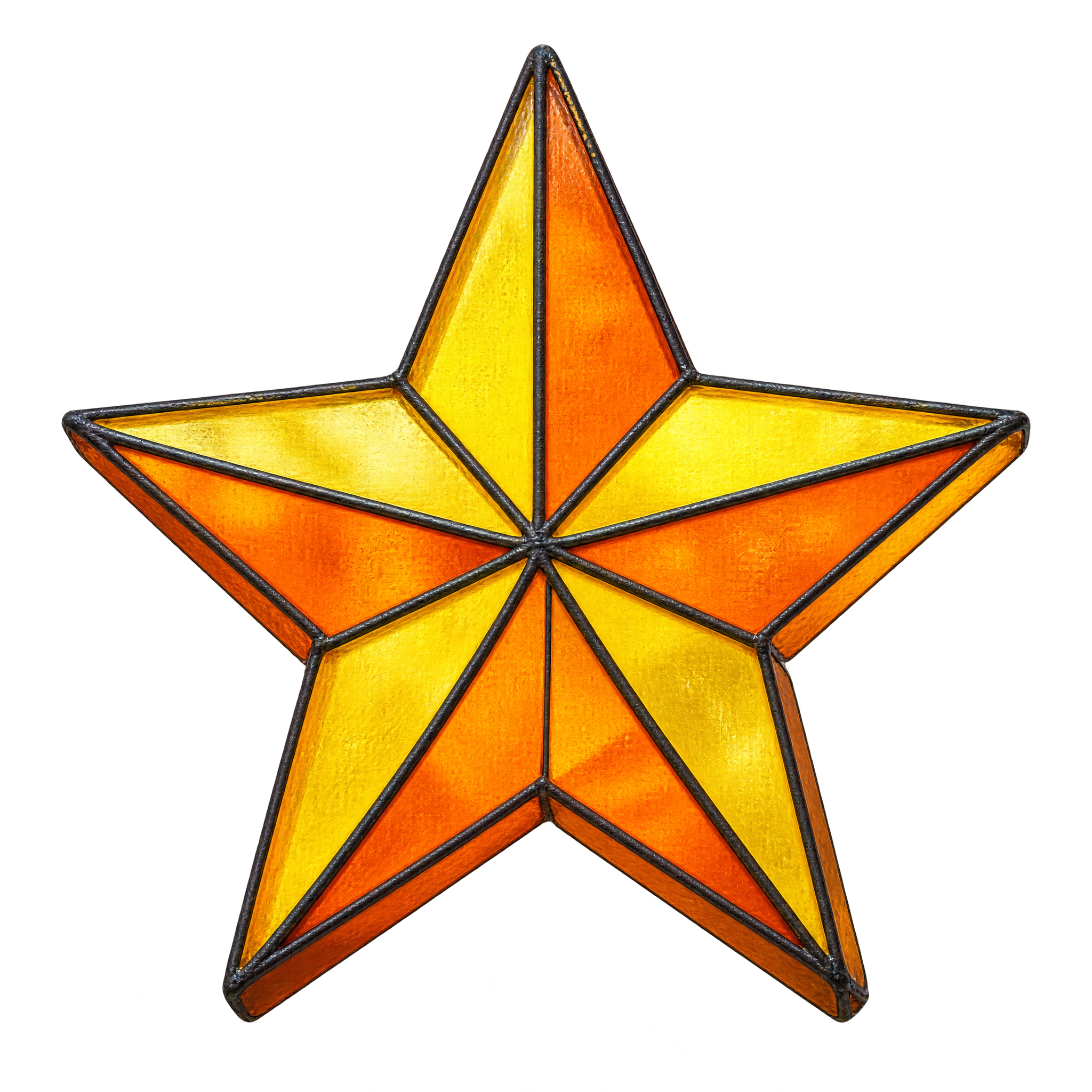
Preview background
Related Stained Glass Star Emoji PNG images


Questions about Stained Glass Star Emoji PNG
Can I create and download star emoji PNGs for free?
Yes. freepng.ai lets you create and download PNGs for free. Optional subscriptions provide more creative options and advanced features.
How can I get this PNG or create a related star design?
Download the available PNG from this image page, or open the PNG generator and enter a description of the star you want. Mention details such as angular facets, crisp points and shallow dimensional depth to guide the result.
Why use PNG instead of JPG for this star emoji?
PNG supports transparent backgrounds, allowing the star to sit cleanly over slides, posters and other designs. JPG does not support transparency and typically places the image against a solid background. Downloads here are PNG.
Should I choose a faceted star or a simple flat star?
Choose the faceted style when you want decorative texture and a dimensional stained-glass effect. A simple flat star is better for small labels, restrained layouts or designs that need a cleaner symbol.
Where should I place this star in a composition?
Use it as a centered focal point, place it near a heading as an accent, or position it partly beyond an edge for a more dynamic layout. Leave space around the crisp tips so the silhouette remains easy to read.