2Star Rating Icon PNG images
Newest

Star Rating Icon PNG GUIDE
Star Rating Icons for Clear Feedback
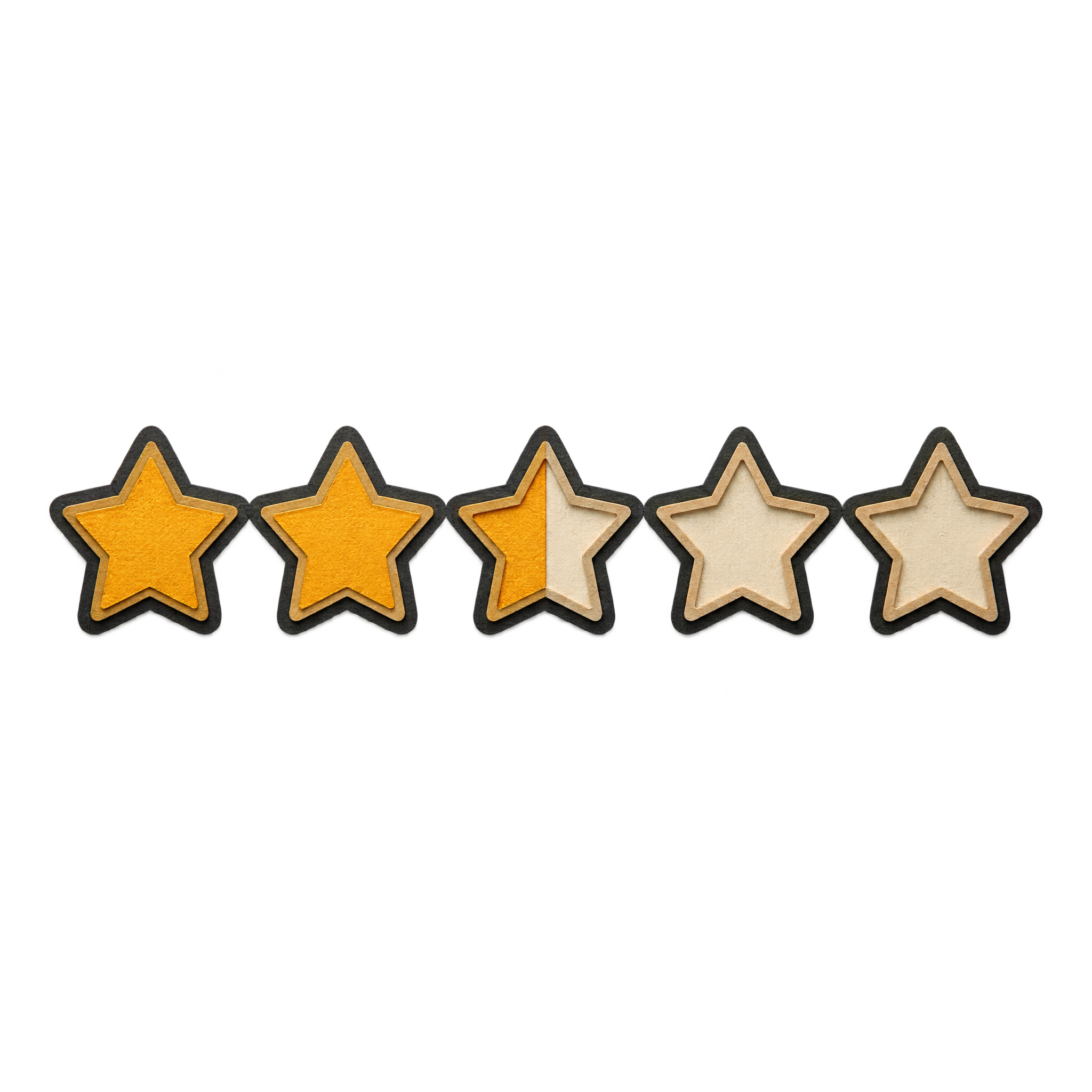
Star rating icons communicate scores quickly in review cards, interface layouts and feedback graphics. Compact geometric strips suit clean digital designs, while engraved, paper-cut or neon treatments add a more distinctive mood. Filled and outlined states should remain easy to compare at the intended display size. Download a free PNG or open the AI workspace to create a custom version.
QUICK WORKFLOW
Create a Star Rating Icon PNG
A compact geometric rating strip creates clear interface feedback, while a luminous diagonal sequence adds energy to review overlays.
- 1Choose a Star Treatment
Choose a compact geometric strip for interfaces or a neon diagonal, engraved arch or layered paper-cut treatment for more expressive score graphics.
- 2Define the Rating States
Specify the number and arrangement of stars, which states are filled or outlined, and whether the sequence should be straight, arched or diagonal.
- 3Check Star Legibility
Check that filled and outlined stars remain easy to distinguish and that fine engraved lines or neon glows stay readable at the intended display size.
PNG FAQ
Questions about Star Rating Icon PNG
Can I create and download a star rating icon PNG for free?
Yes. You can create and download PNGs for free with freepng.ai. An optional subscription provides more creative options and advanced features, but it is not required for basic creation and downloads.
How can I create a custom star rating icon PNG?
Open the PNG generator and enter a description of the design you want. Specify details such as geometric or neon styling, the number of stars, filled and outlined rating states, and whether the sequence should be straight, arched or diagonal, then generate and download the PNG.
How does PNG differ from JPG for a star rating icon?
PNG supports transparent areas, which helps an icon sit cleanly over a layout without a rectangular background. JPG does not support transparency and is generally less suitable for crisp icons with open space. Downloads here are provided as PNG.
Do these star rating icon PNGs have transparent backgrounds?
Yes. The collection artwork uses transparent backgrounds, allowing the stars and their filled or outlined states to be placed over interface panels, review cards and other designs without a visible background box.
Where should I place a star rating icon in a review layout?
Place the rating near the review title, score or summary so its meaning is immediate. Leave enough space around the outer stars and keep the sequence level unless a diagonal treatment supports the design. You can upload the PNG as an image asset in Canva and position it within your layout.
What colors pair well with star rating icons?
Use strong contrast between active and inactive stars so the score remains clear. Bright neon treatments work well against dark digital layouts, while black-and-white outlines suit restrained editorial designs. Engraved or paper-cut styles pair naturally with warm, textured palettes.
CREATE WITH AI
Create with AITry the available PNG generator
Open the AI workspace and describe the transparent PNG you want to create.