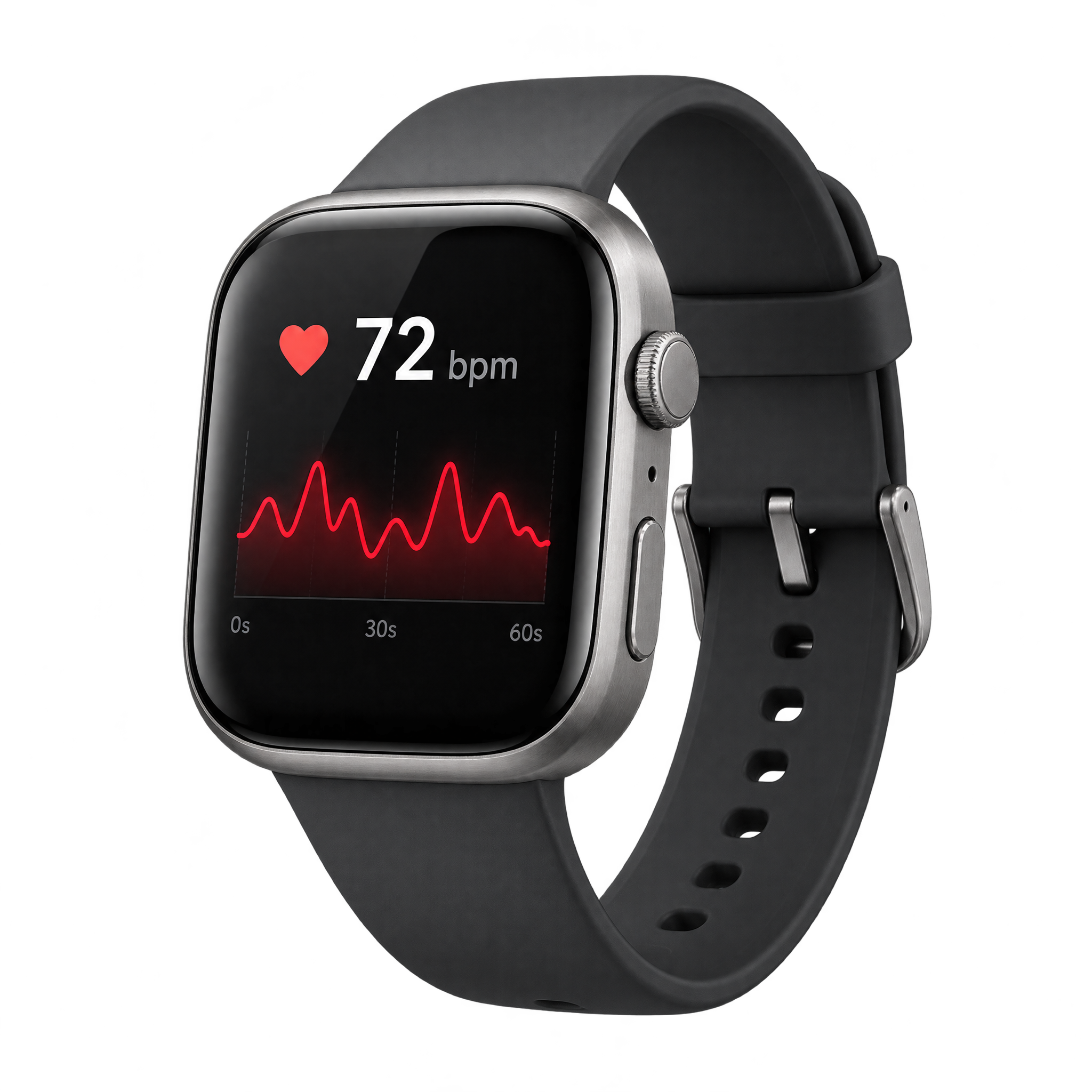
Preview background
Related Realistic Heart Rate PNG images

Questions about Realistic Heart Rate PNG
Can I create and download heart rate PNGs for free?
Yes. You can create and download PNGs for free on freepng.ai. Optional subscriptions provide more creative options and advanced features.
How can I get this PNG or create a related design?
Download the displayed PNG, or open the PNG generator to create a related image. Enter a description of the watch, pulse display, viewing angle, and style you want in the AI workspace.
How can I explore similar heart rate designs?
Look for related designs on freepng.ai using themes such as fitness watches, pulse graphs, wearable technology, health monitoring, or medical dashboards.
Can I use this heart rate PNG in Canva?
Yes. Upload the PNG to Canva as an image asset, then place it in presentations, social posts, fitness graphics, or health-focused layouts.
Where should I place the watch in a layout?
Place the watch near a focal point and leave open space around the pulse display so it stays readable. An off-center position can also preserve room for a headline, metric, or short caption.