3Heart Rate PNG images
Newest

Heart Rate PNG GUIDE
Heart Rate Graphics for Health Layouts
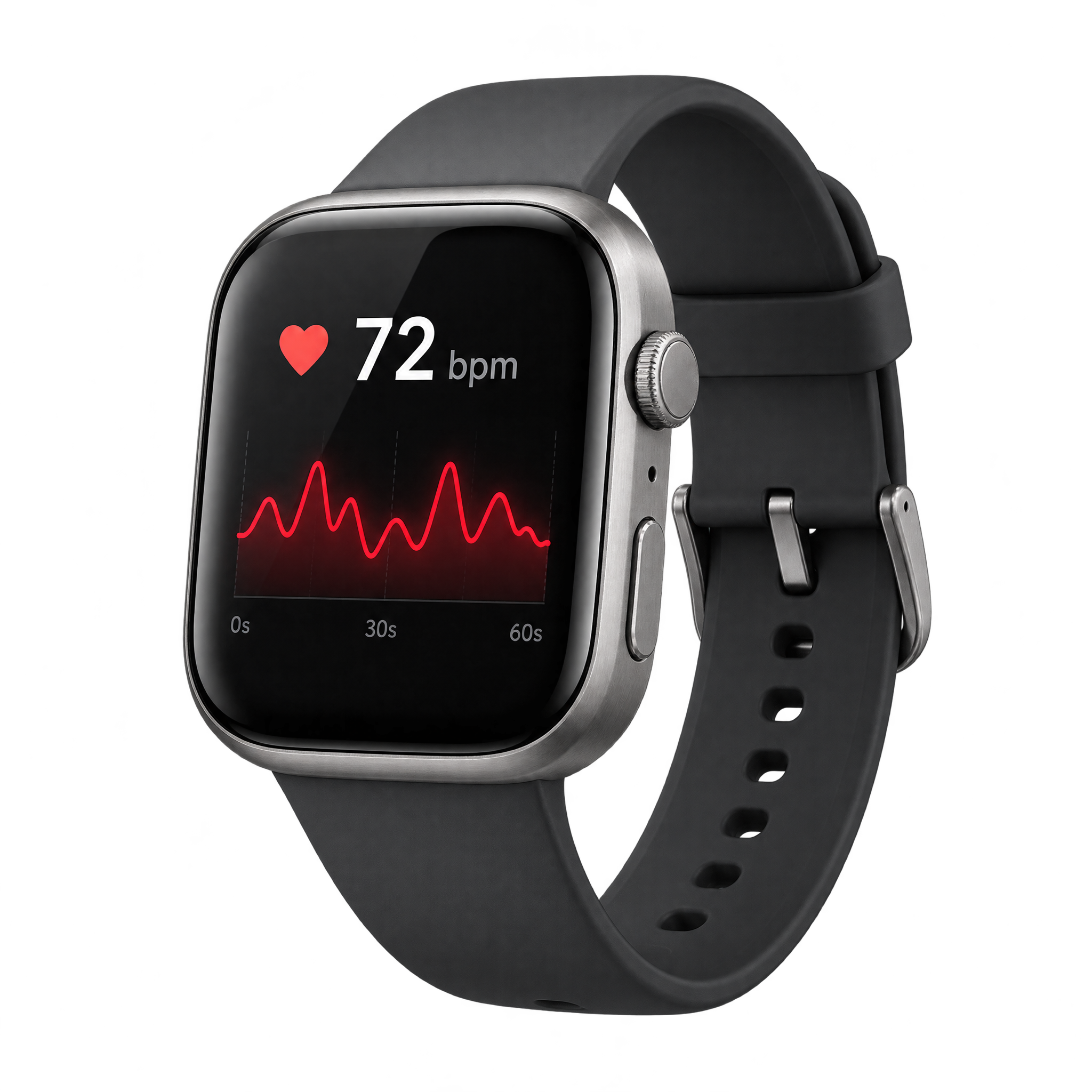
Compact heart-and-ECG symbols suit dashboards, wellness slides, and fitness graphics where quick recognition matters. An anatomical heart with an extended trace supports educational or editorial layouts, while a paper-cut badge gives wellness material a softer feel. Choose a wearable display when device context is essential. Download a free PNG or create a tailored version in the PNG generator.
QUICK WORKFLOW
Create a Heart Rate PNG
A clean ECG-and-heart graphic can anchor a medical presentation, while a layered paper-cut badge brings a friendlier tone to wellness material.
- 1Choose Icon or Diagram
Choose a compact geometric heart crossed by an ECG line for quick recognition, or an ink-style anatomical heart with an elongated trace for education.
- 2Define the Pulse Details
Specify the heart type, waveform length, and treatment—such as a compact symbol, wearable display, or paper-cut badge—when entering your description in the AI workspace.
- 3Inspect Waveform Clarity
Check that the pulse peaks remain distinct from the heart or watch display and that fine ink lines stay legible at the intended layout size, then download the PNG.
PNG FAQ
Questions about Heart Rate PNG
Can I create and download a heart rate PNG for free?
Yes. freepng.ai lets you create and download PNGs for free. A subscription is optional and adds more creative options and advanced features.
How do I download a heart rate PNG or make a new one?
Download an existing PNG from the collection. To create a related design, open the AI workspace, enter a description of the heart, ECG waveform, and preferred style, then generate and download the PNG.
Which heart rate graphic style should I choose?
Use a compact heart-and-waveform icon when fast recognition is important. Choose an anatomical heart with an extended ECG trace for educational material, a fitness watch for wearable context, or a paper-cut badge for approachable wellness graphics.
How can I explore related heart rate designs?
Compare treatments such as geometric symbols, anatomical line art, wearable displays, and layered paper-cut badges. You can then describe a related variation in the PNG generator, adjusting the heart type, pulse trace, and intended use.
How should I place a heart rate PNG in a layout or Canva design?
Leave open space around the ECG peaks so the waveform remains easy to read, and avoid placing text over the heart or monitor display. For Canva, upload the PNG as an image asset, position it in the layout, and scale it to support the surrounding headline or data.
What colors and backgrounds pair well with heart rate artwork?
Use strong contrast between the heart, pulse line, and surrounding background so fine waveform details stay visible. A restrained palette can support a clinical or educational mood, while warmer color pairings can make wellness and fitness designs feel more approachable.
CREATE WITH AI
Create with AITry the available PNG generator
Open the AI workspace and describe the transparent PNG you want to create.