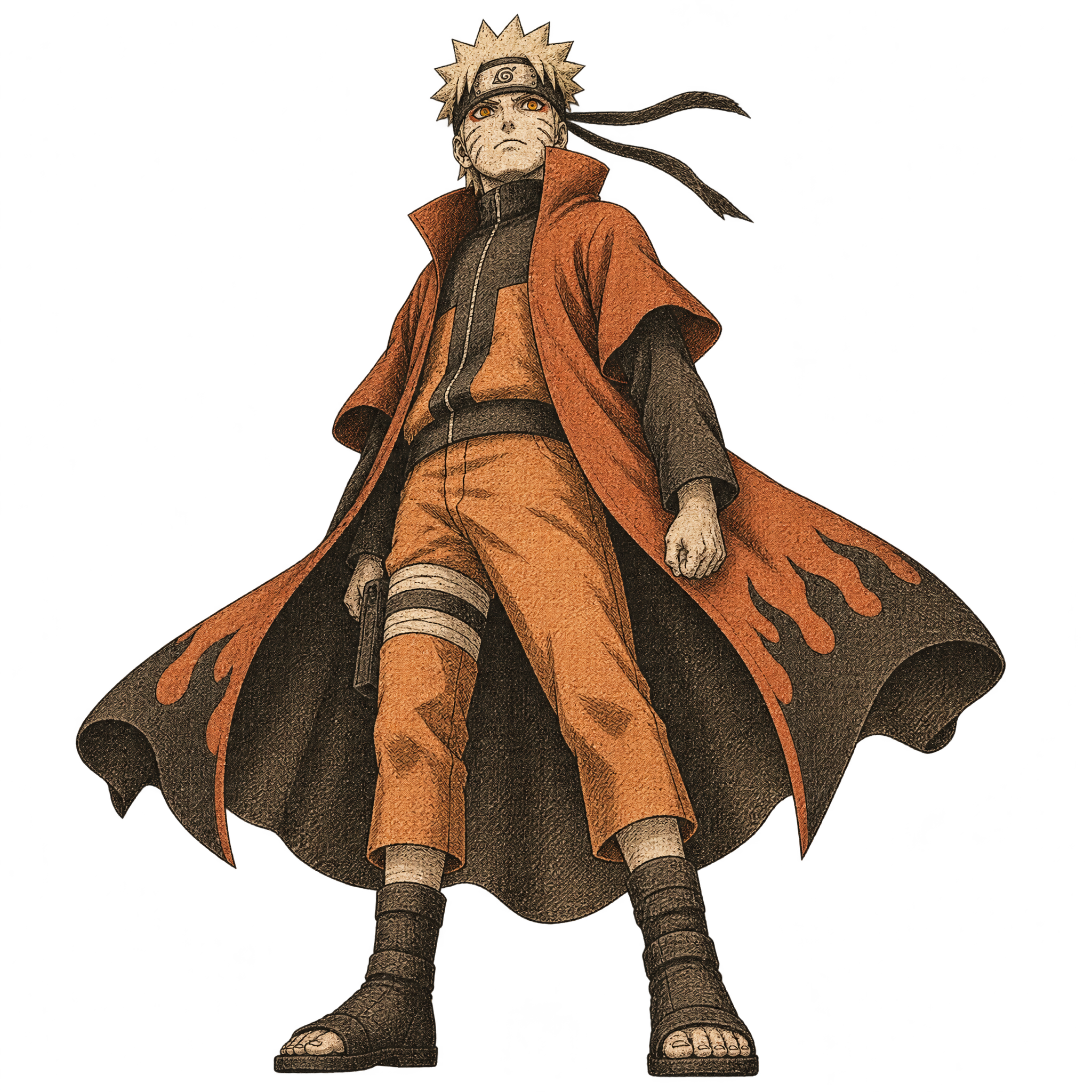
Preview background
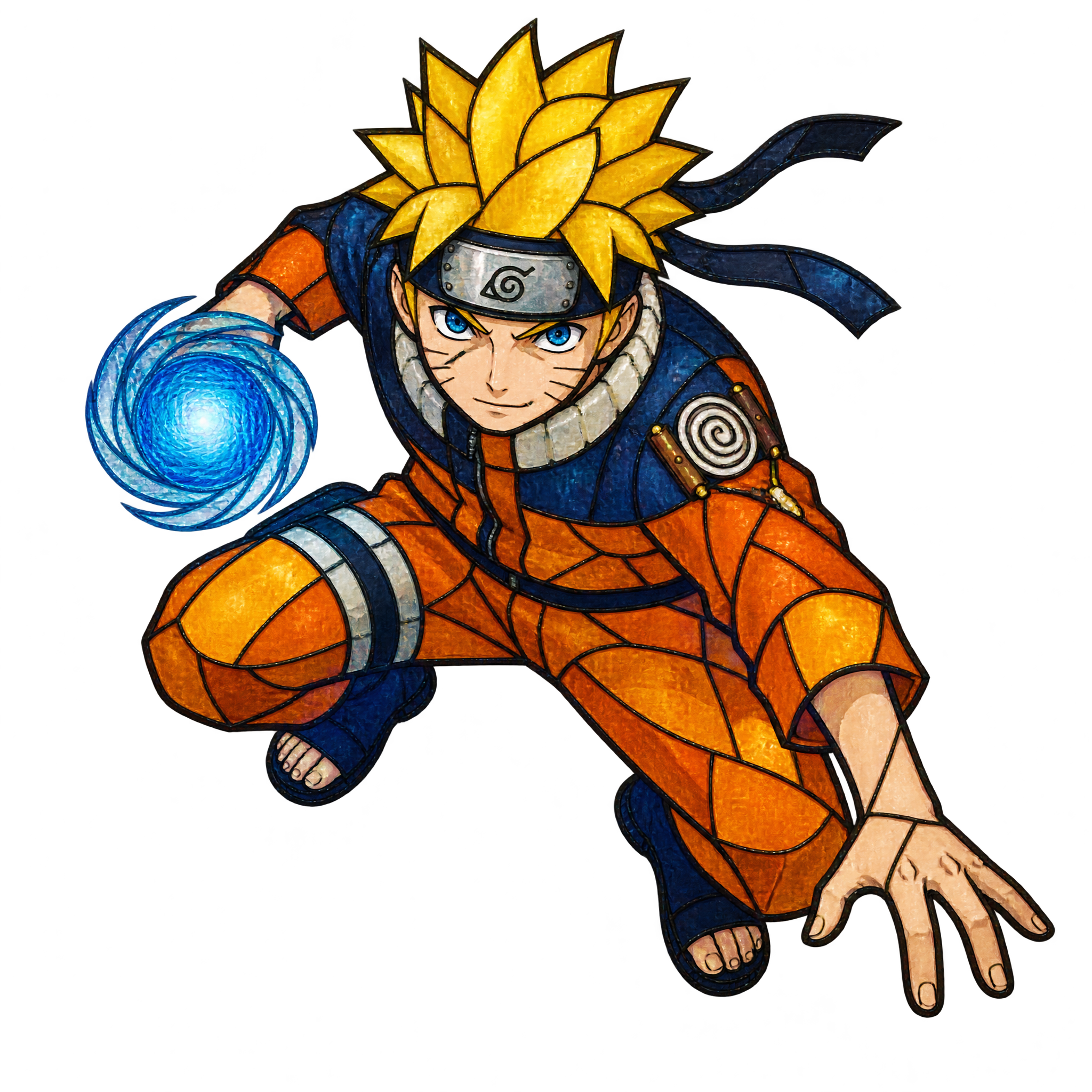
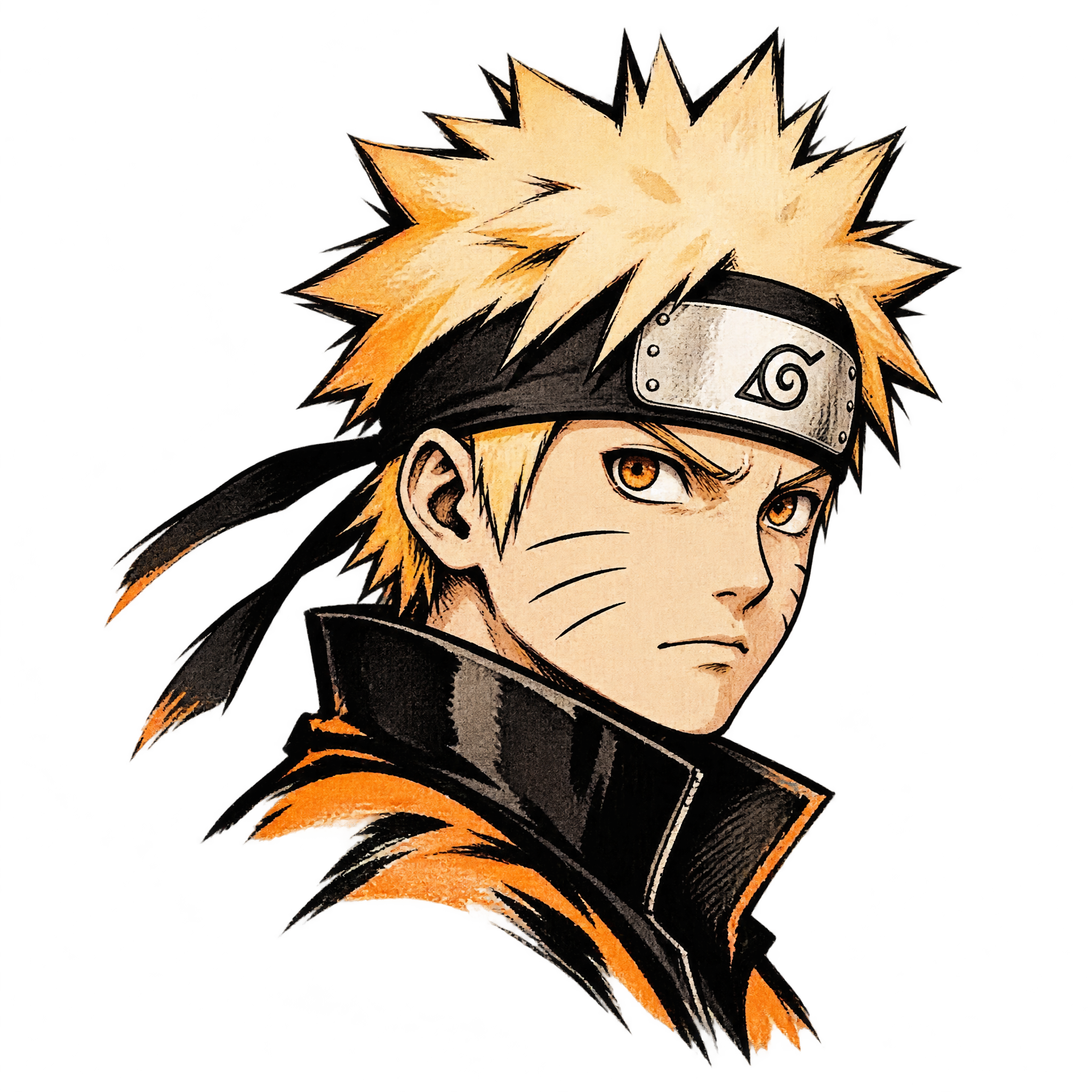
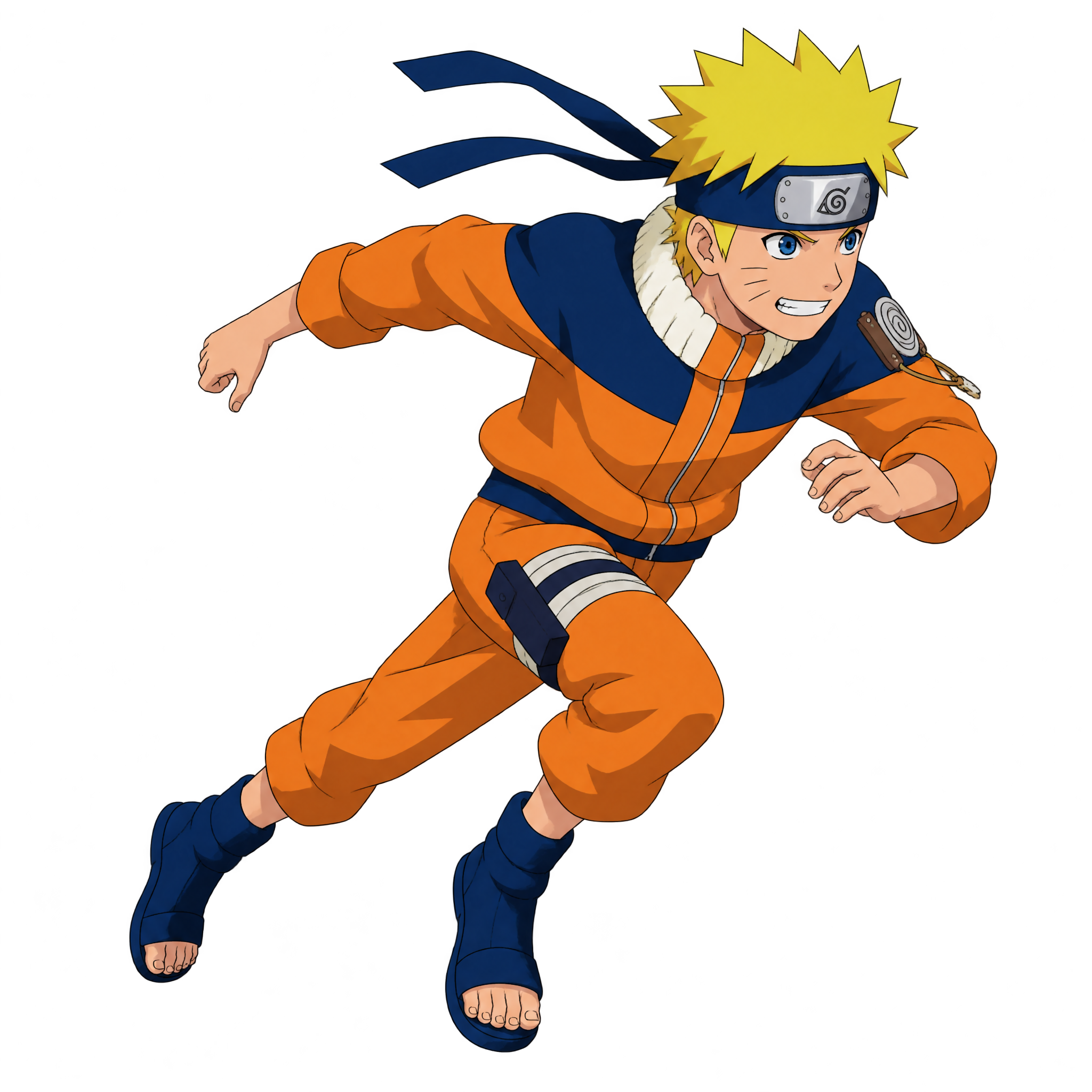
Related Engraved Naruto PNG images
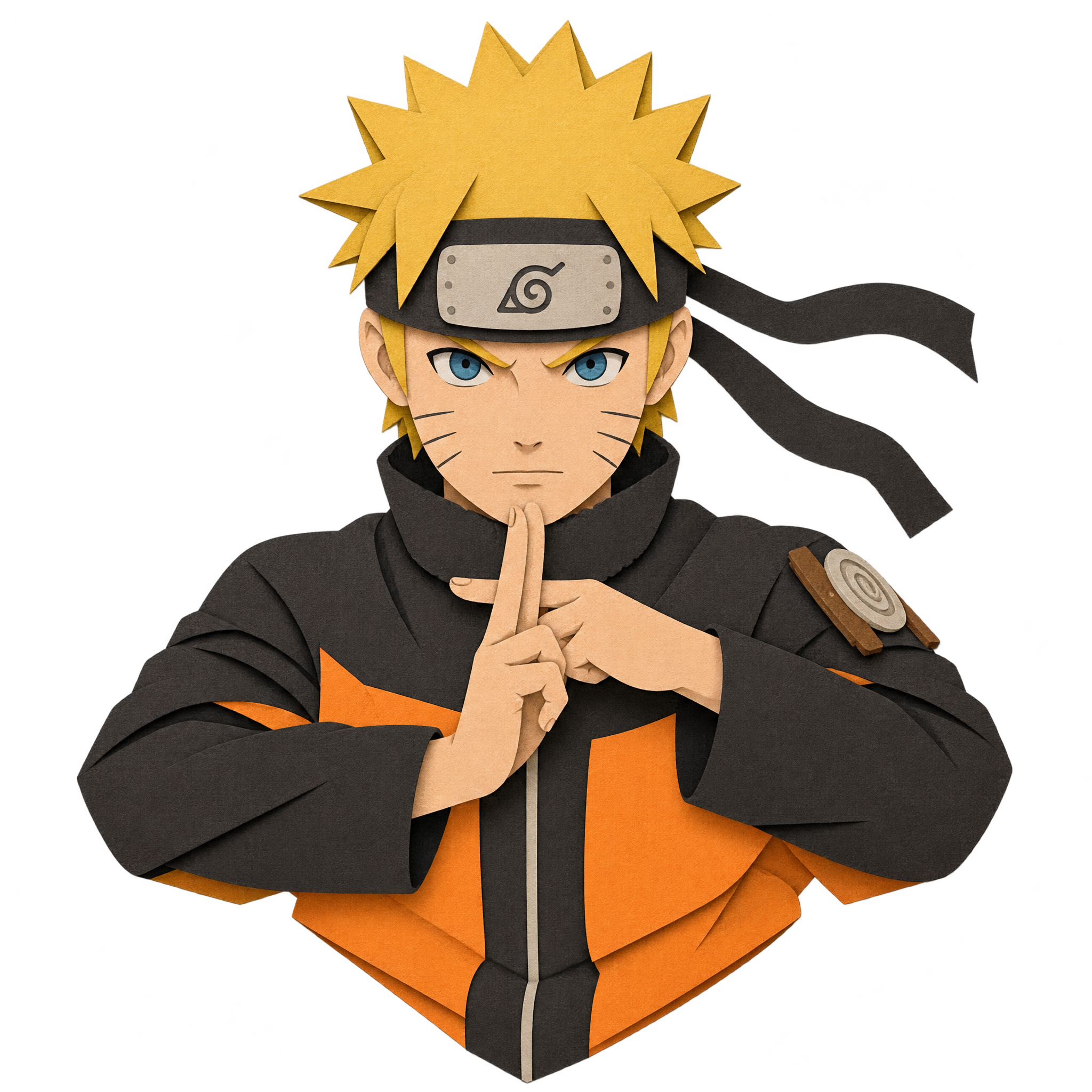
Questions about Engraved Naruto PNG
Can I create and download PNGs for free?
Yes. freepng.ai lets you create and download PNGs for free. Optional subscriptions provide more creative options and advanced features.
How can I get this PNG or create a related Naruto design?
Download the available PNG from this image page. To make a related design, open the PNG generator, enter a description of the character, pose, cloak, viewpoint, and engraved treatment you want, then generate and download the result.
Why choose PNG instead of JPG for this artwork?
PNG supports transparent backgrounds, allowing this character artwork to sit cleanly over a new layout. JPG does not support background transparency and is better suited to flat, rectangular photographs. Downloads here are provided as PNG.
When should I choose an engraved style instead of a flat illustration?
Choose an engraved treatment for a formal, print-inspired, or editorial mood with a strong sense of texture. A flatter illustration may suit simpler graphics where broad shapes and immediate readability matter more than etched detail.
How should I position the character in a poster layout?
Place the figure near the center or slightly below center to reinforce the heroic low-angle view. Leave space around the open cloak so its silhouette remains clear, and reserve uncluttered room above or beside the character for a headline.