
Preview background
Related Cartoon Chiikawa PNG images
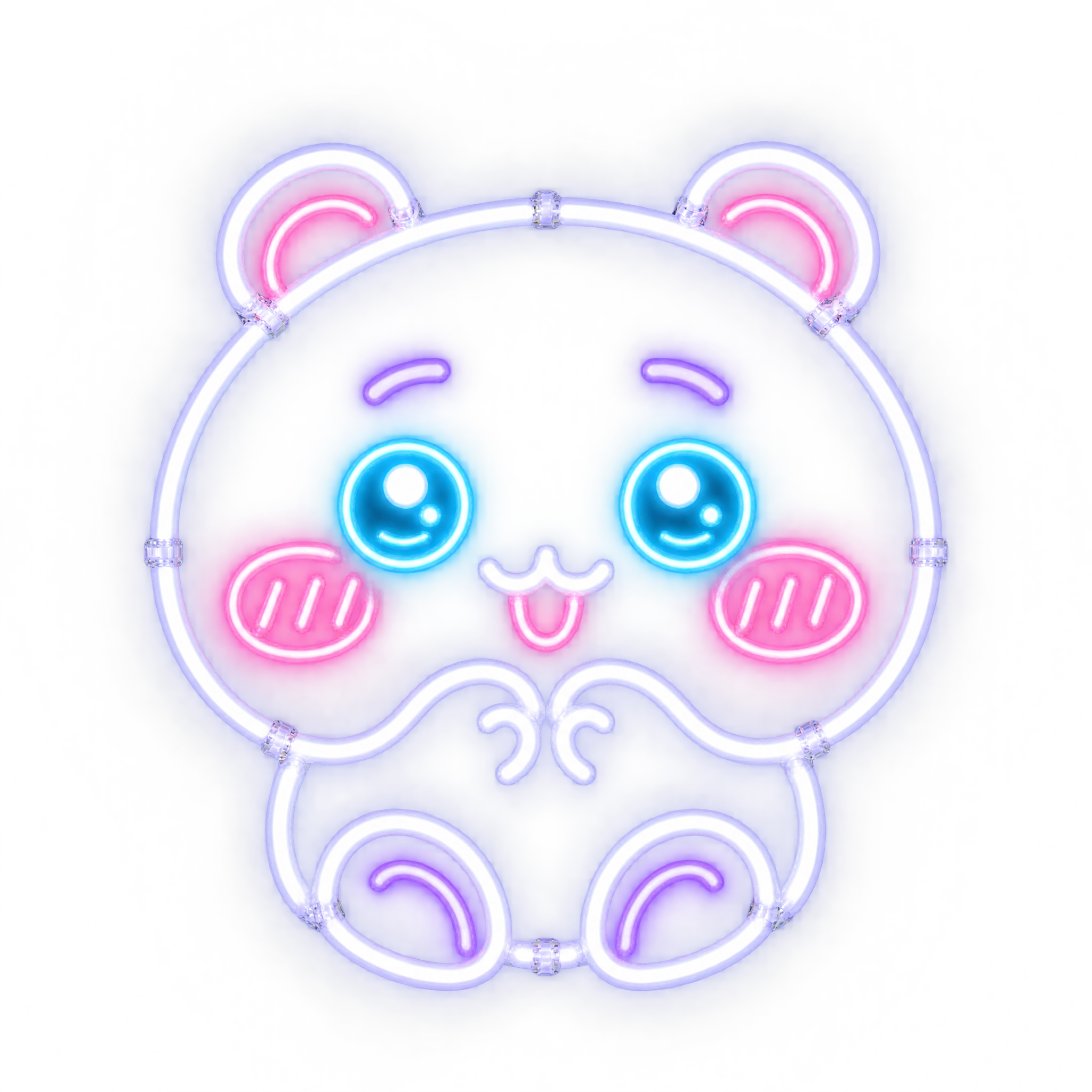
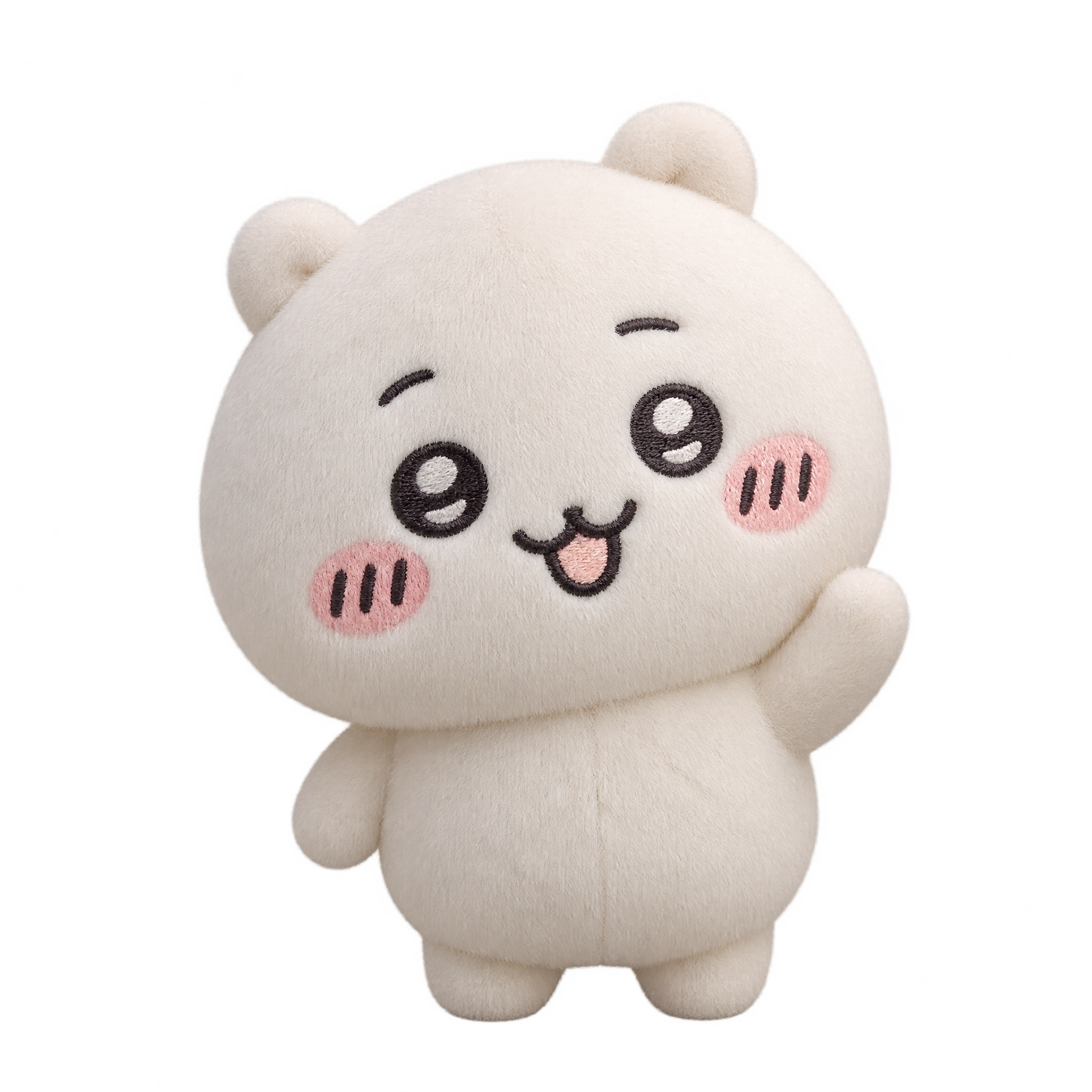
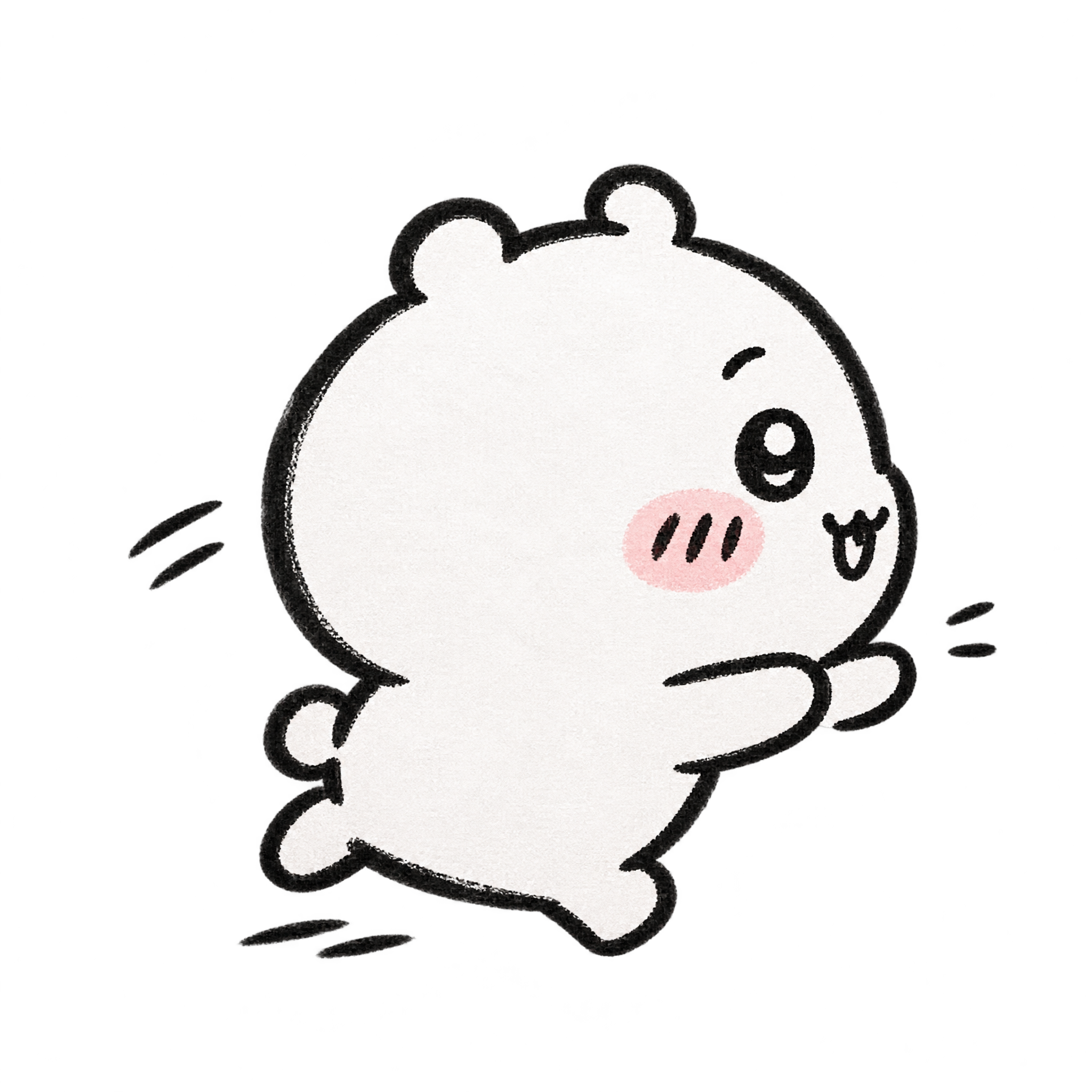
Questions about Cartoon Chiikawa PNG
Can I create and download Chiikawa-inspired PNGs for free?
Yes. freepng.ai lets you create and download PNGs for free. Optional subscriptions provide more creative options and advanced features.
How can I get this PNG or create a related design?
Download the displayed PNG from its image page. To make a related design, open the PNG generator, enter a description of the character, pose and mood you want, then generate and download your result.
Can I use this Cartoon Chiikawa PNG in Canva?
Yes. Download the PNG, upload it to Canva as an image asset, and place it in your chosen design. Its transparent background makes it easy to position over cards, posts or other layouts.
How can I explore related cartoon styles?
Open the AI workspace and try descriptions that vary the pose, expression, line style or mood. For example, request a waving character, a calmer stance or a different celebratory action while keeping the look playful.
Where should I place the jumping character in a layout?
Leave open space above the raised paws to preserve the upward motion. A centered position works well for stickers and greetings, while an off-center placement can leave room for a short headline or message.