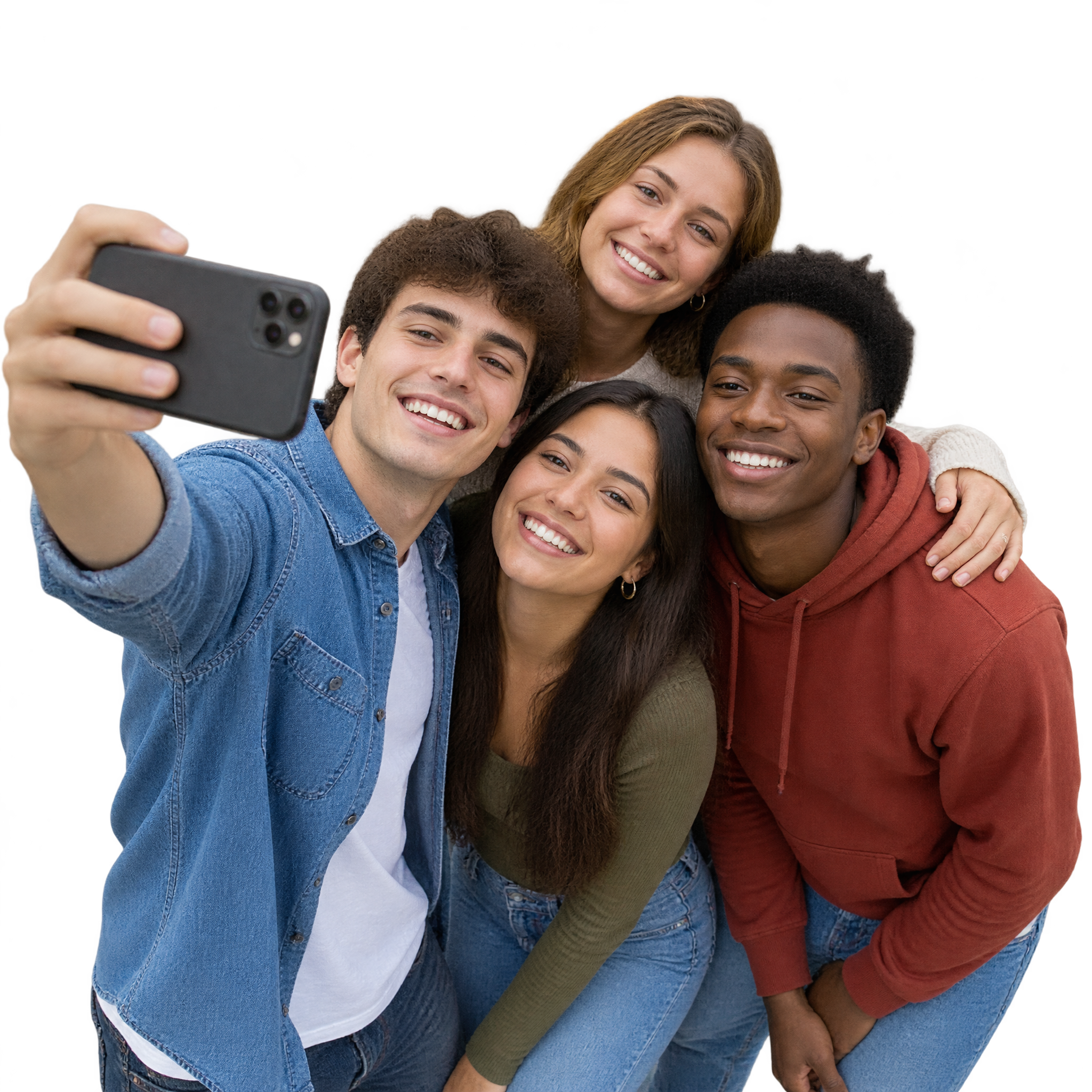
Preview background
Related Realistic Friends PNG images


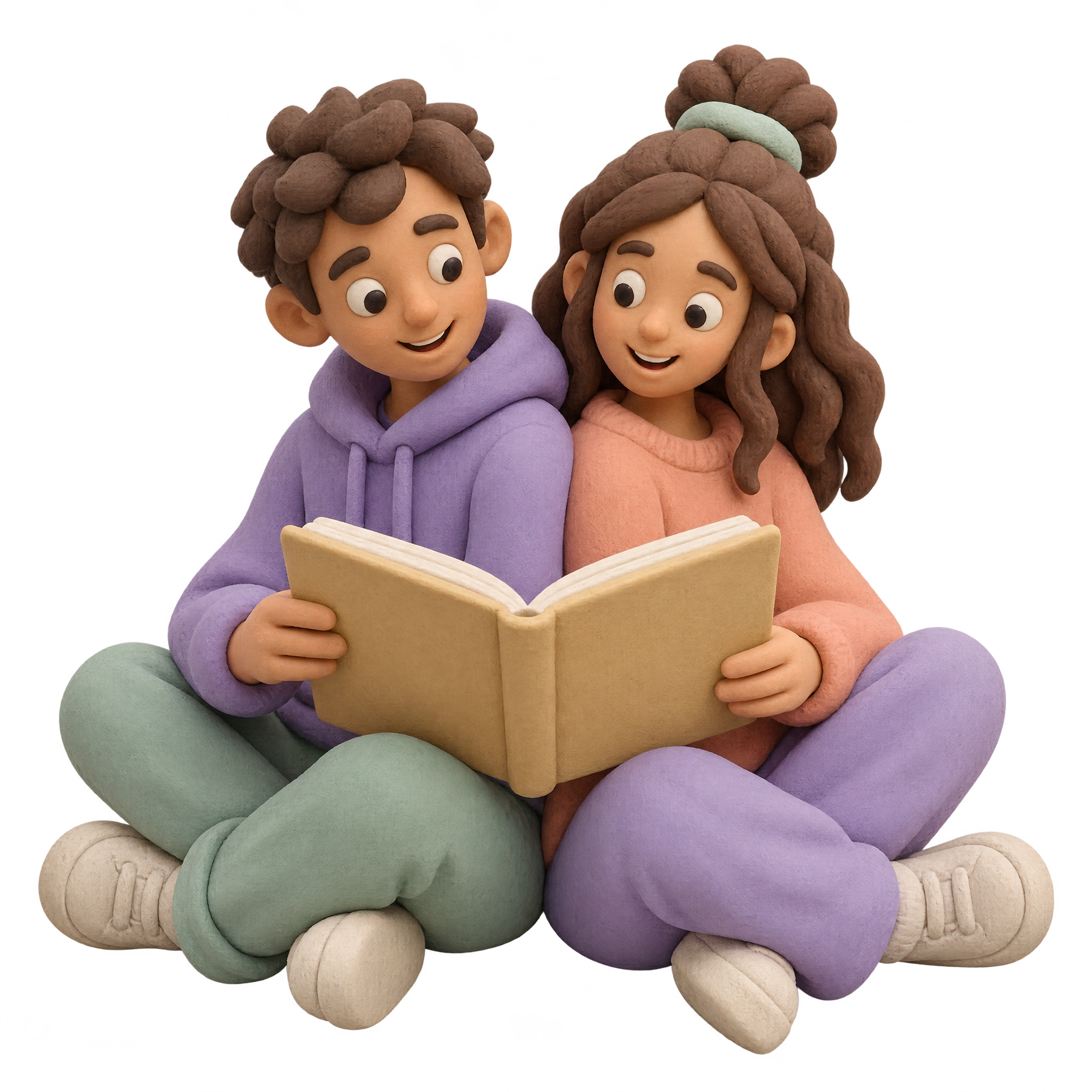
Questions about Realistic Friends PNG
Can I create and download Friends PNG images for free?
Yes. You can create PNG images in the freepng.ai PNG generator and download them for free. Optional subscriptions provide more creative options and advanced features.
How can I get this PNG or create a similar friends image?
Download the available PNG from this image page, or open the PNG generator to create a related design. In the AI workspace, enter a description of friends leaning together for a lively group selfie, then generate and download your result.
Does this Realistic Friends PNG have a transparent background?
Yes. The image has transparency, so the group can be placed over posters, banners, social graphics, or other backgrounds without a surrounding rectangular backdrop.
Can I use this Friends PNG in Canva?
Yes. Download the PNG, then upload it to Canva as an image asset and place it in your design. Its transparent background makes it easy to layer over text, shapes, colors, or photos.
How should I position this group in a layout?
Use the inward-leaning group as a central focal point or place it slightly off-center with open space for a headline or message. Avoid crowding the faces with nearby text or decorative elements.