Kirby PNG
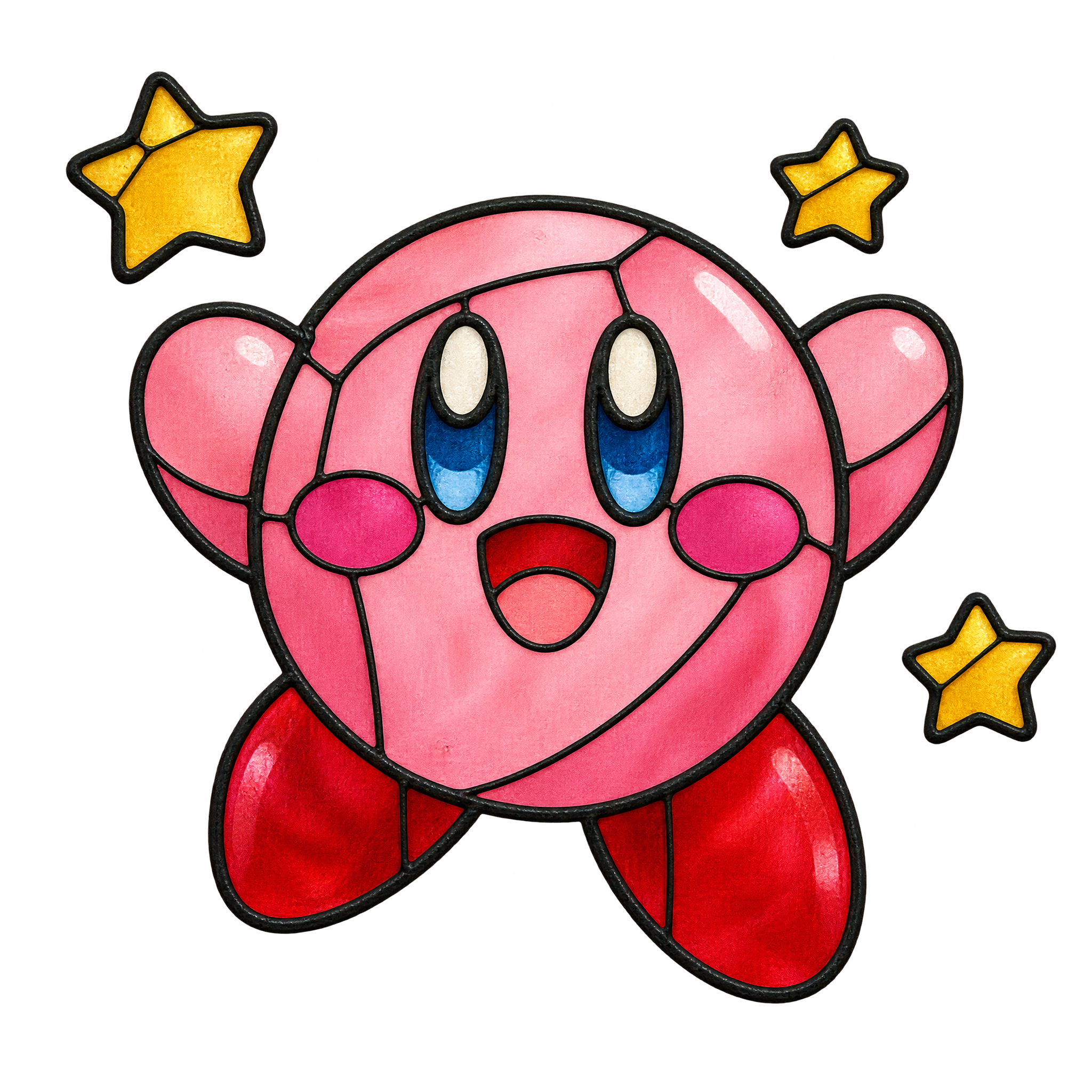
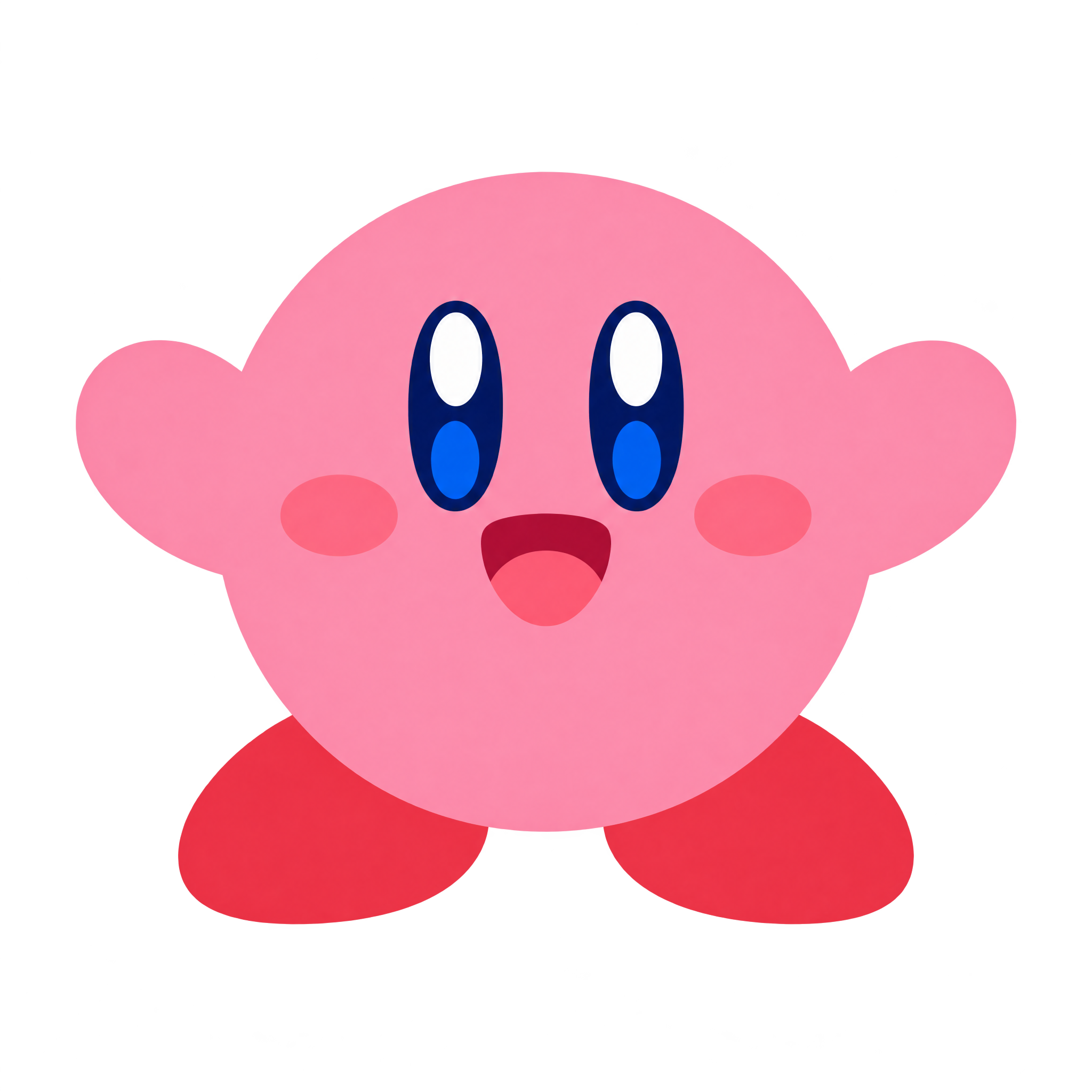
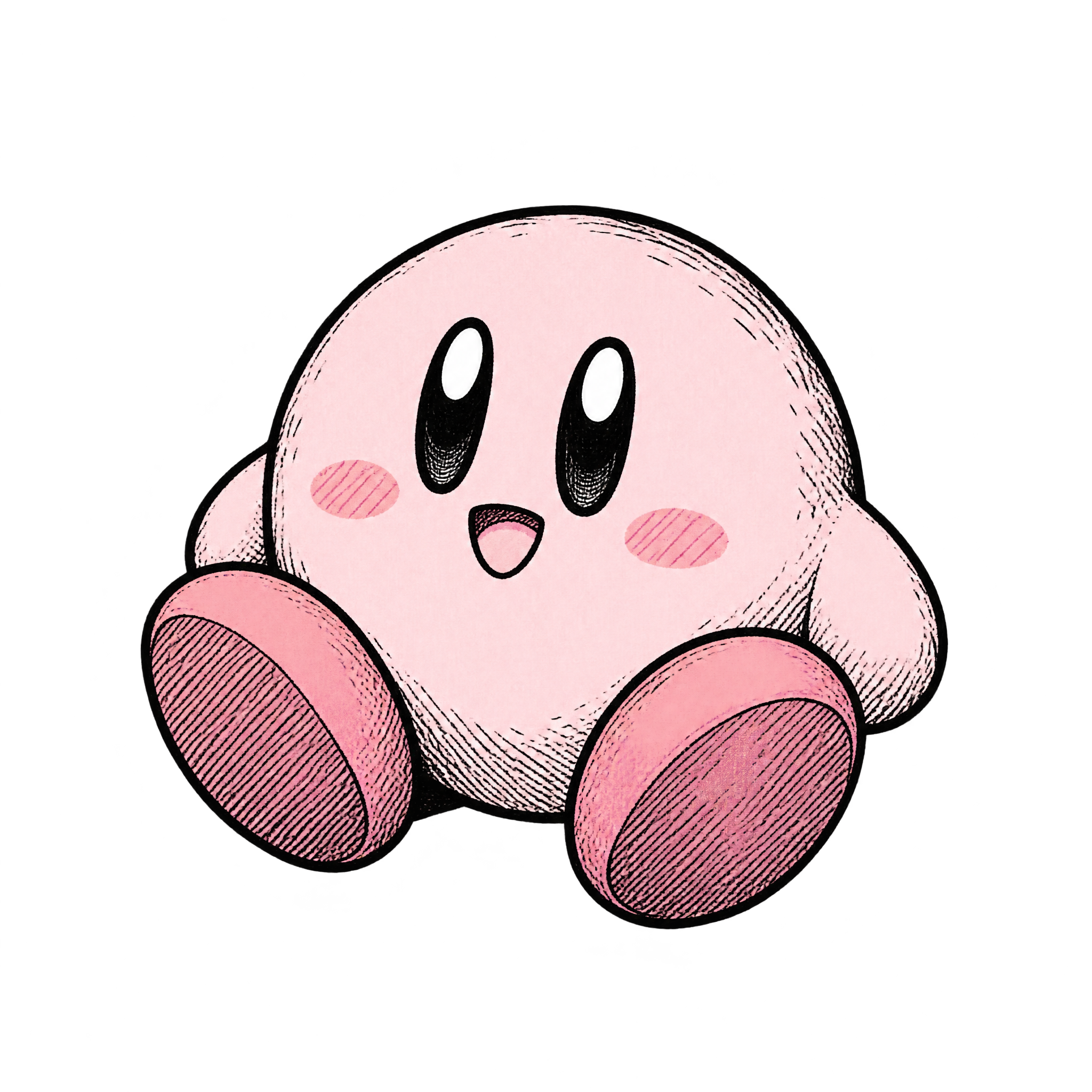
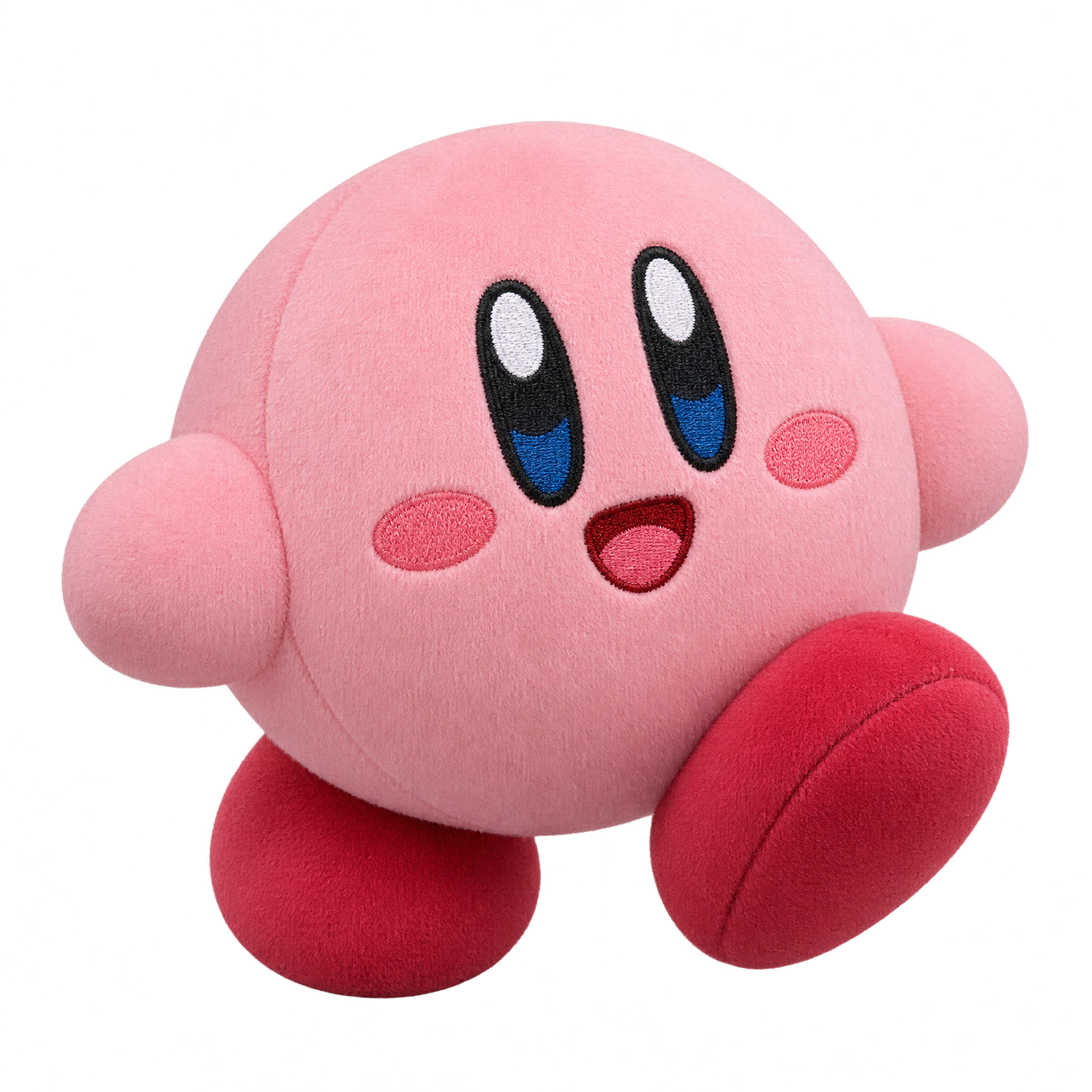
Kirby PNG artwork pairs expressive full-body poses with geometric, ink, paper-cut, plush, and stained-glass treatments for playful layouts.
7 PNG images
Kirby PNG GUIDE
Kirby PNGs for Playful Layouts
Open-arm and seated Kirby poses suit compact stickers and interface accents, while running or tumbling compositions bring movement to posters. Choose a clean geometric treatment for small placements, or ink, paper-cut, and stained-glass styling when texture should lead. Download a free PNG, or open the PNG generator to create a new pose and treatment online.
QUICK WORKFLOW
Create a Kirby PNG
A geometric welcoming pose makes a readable sticker, while an ink or paper-cut treatment adds character to invitations and editorial layouts.
- 1Choose Kirby’s Treatment
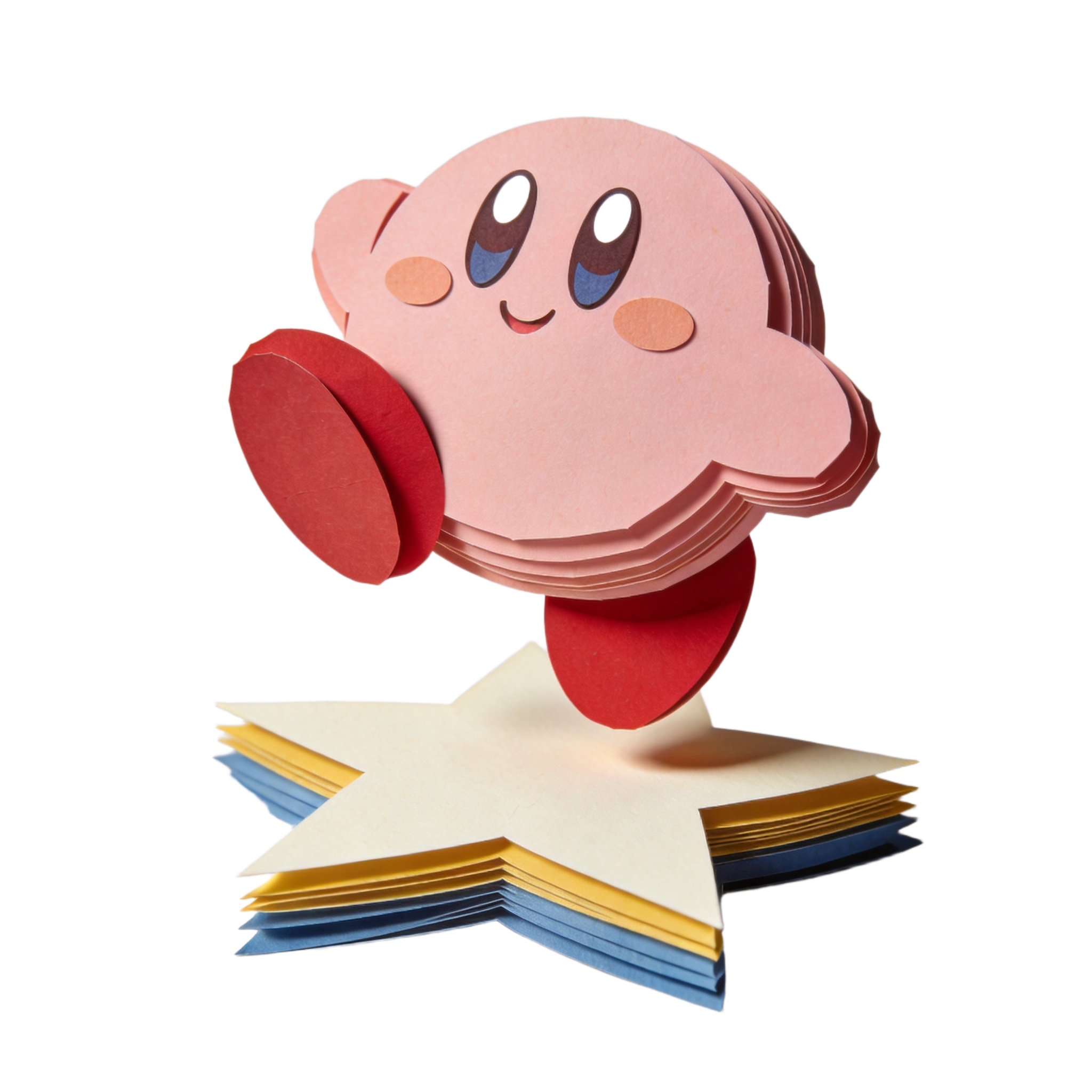
Choose an open-arm geometric look for a compact sticker, or a layered paper-cut Kirby above a star for a taller invitation composition.
- 2Define Pose and Accents
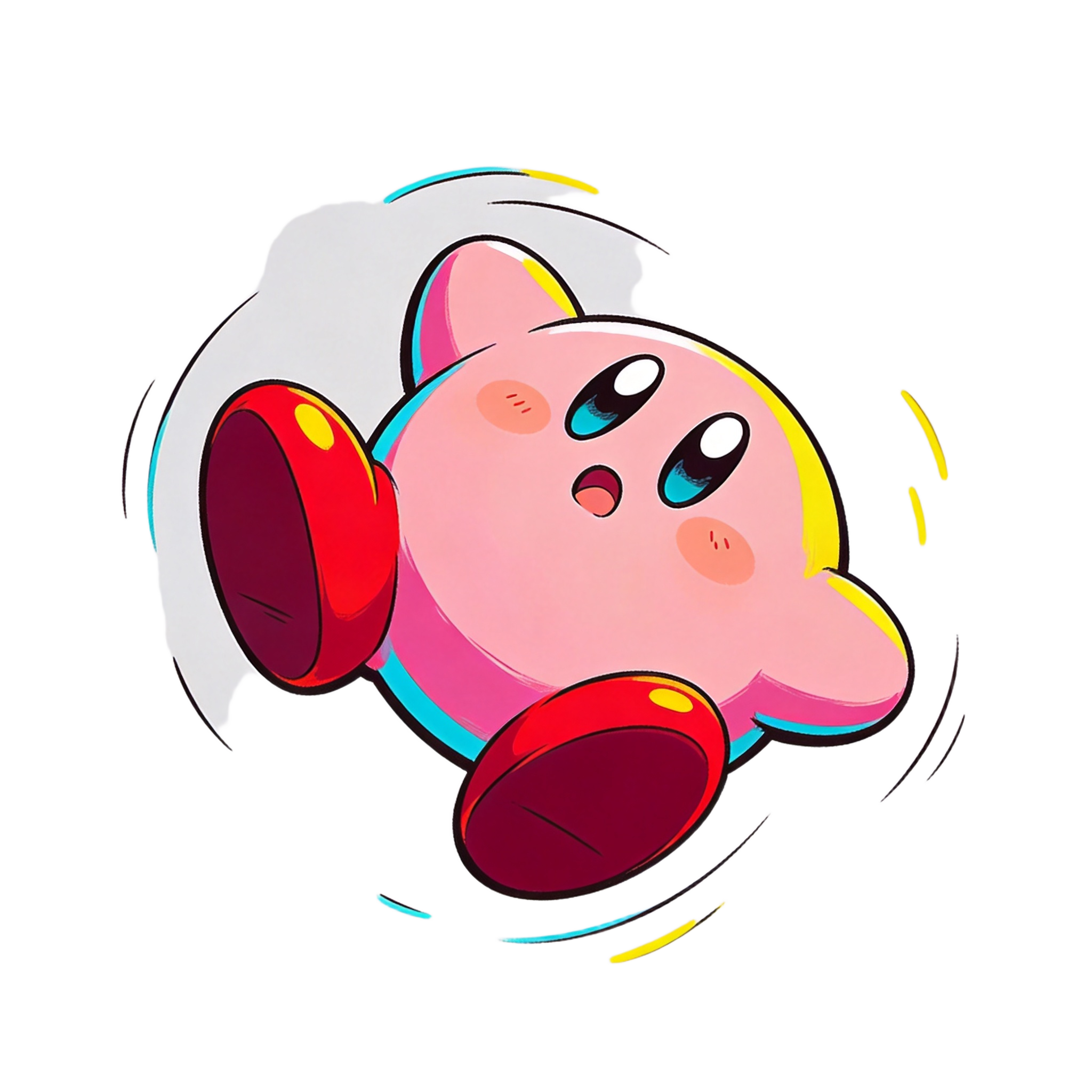
Specify Kirby’s full-body pose, facial expression, and accents such as sparse stars or sweeping motion lines when entering your AI workspace description.
- 3Check Silhouette Clarity
Check that Kirby’s round outline, raised feet, and star or motion accents remain distinct at the intended placement size.
PNG FAQ
Questions about Kirby PNG
Can I create and download a Kirby PNG for free?
Yes. You can create and download PNGs for free on freepng.ai. A subscription is optional and adds more creative options and advanced features.
How can I download or create a Kirby PNG?
Choose an available Kirby image and download its PNG. To make related artwork, open the PNG generator, enter a description of the pose, expression, and visual treatment you want, then generate and download the result.
What related Kirby styles can I explore?
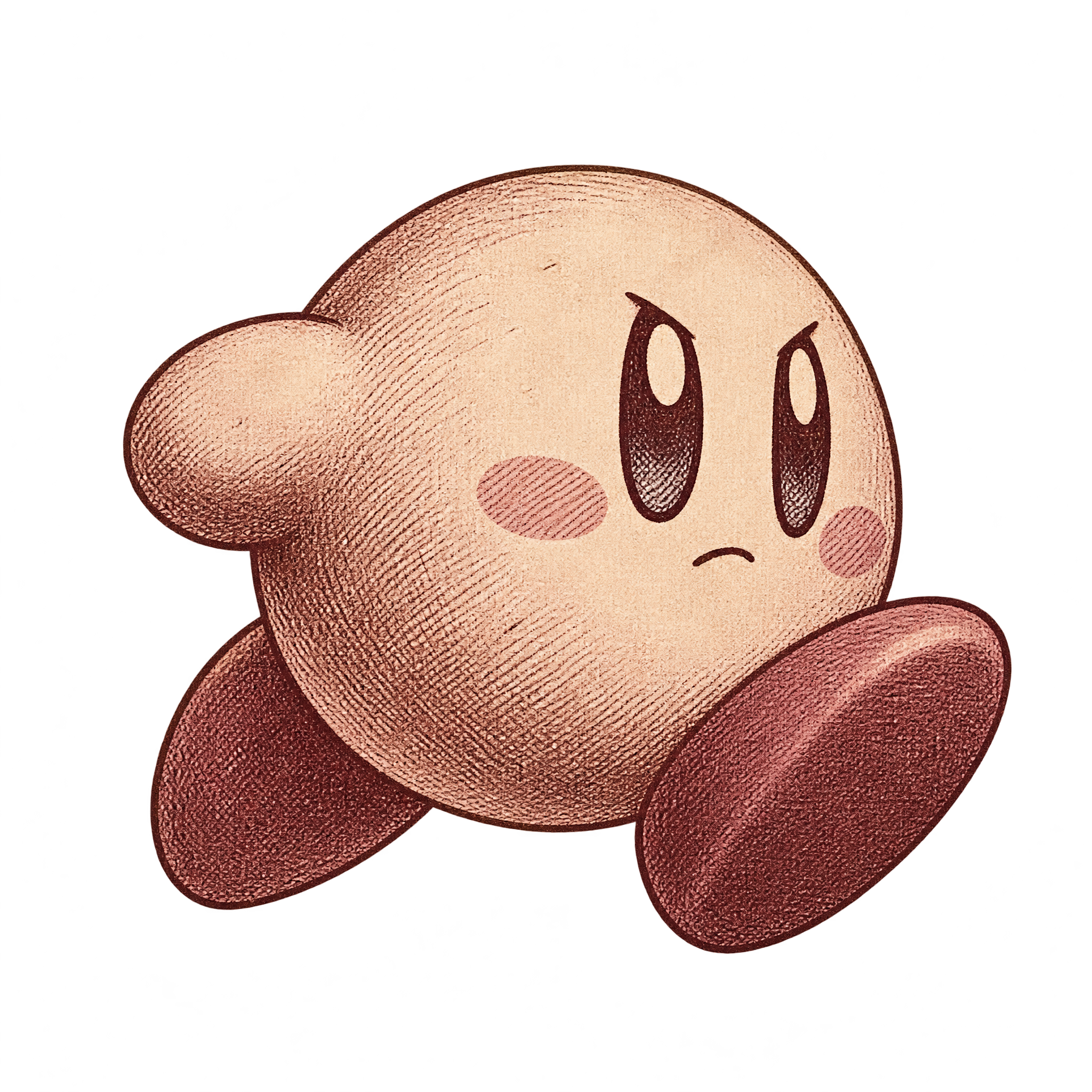
Compare geometric, engraved, stained-glass, plush, paper-cut, ink, and cartoon treatments in the collection. For a new variation, describe one of these directions in the AI workspace and specify a seated, running, floating, hopping, or tumbling pose.
How does PNG differ from JPG for Kirby artwork?
PNG can preserve transparent areas around a character, making it easier to place Kirby over another design. JPG does not support transparency and fills the image with a rectangular background. Downloads here use PNG.
How should I position a Kirby PNG in a layout?
Match the pose to the available space: seated or open-arm artwork fits compact areas, while running and tumbling poses benefit from room in the direction of movement. You can upload the PNG as an image asset into a Canva design and position it within the layout.
What colors and elements pair well with Kirby artwork?
Dark navy or deep purple can give the pink character clear contrast, while pale cream supports a softer mood. Keep nearby type and decorative elements simple when using stained-glass, paper-cut, or motion-accented artwork so the silhouette remains easy to read.