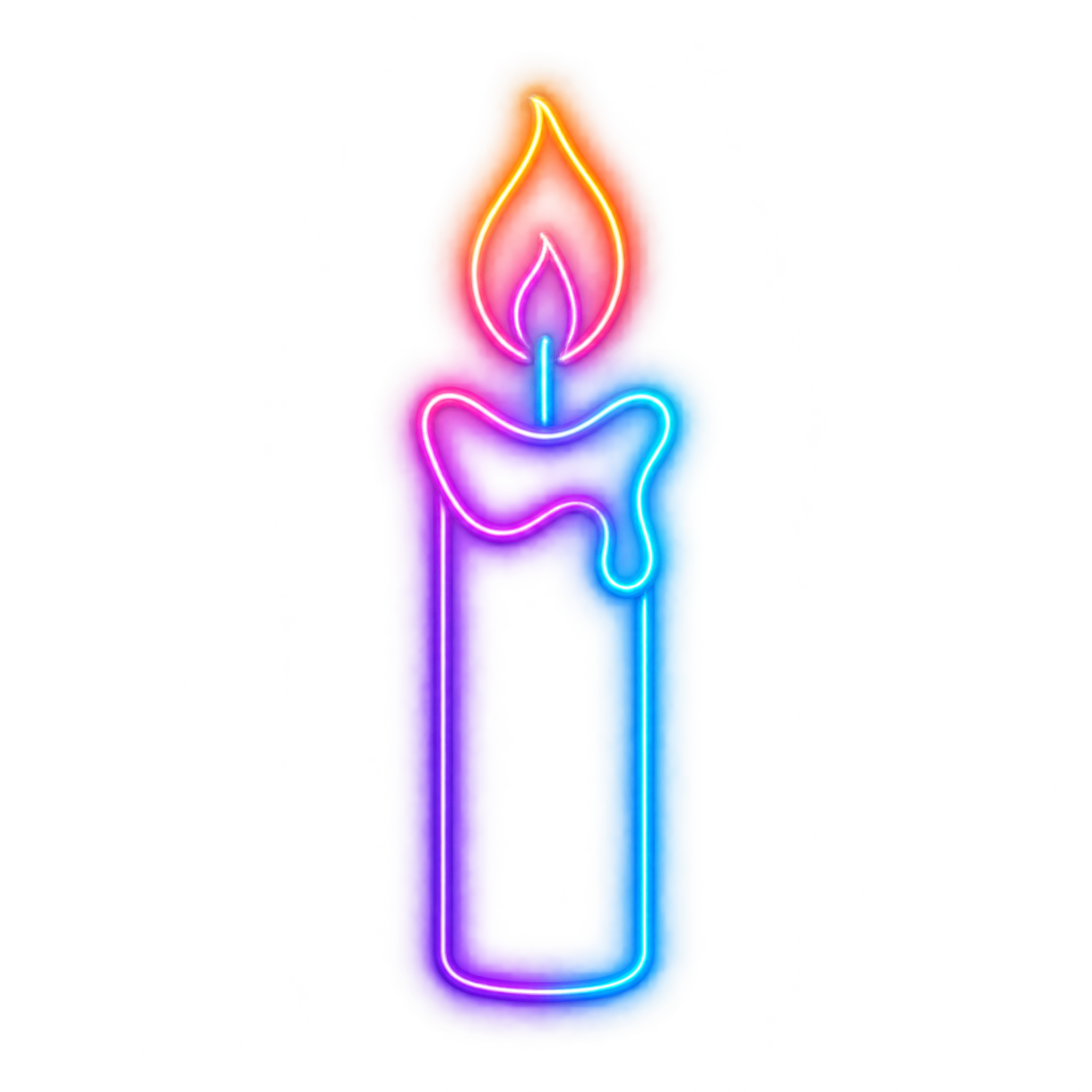
Preview background
Related Neon Candle PNG images
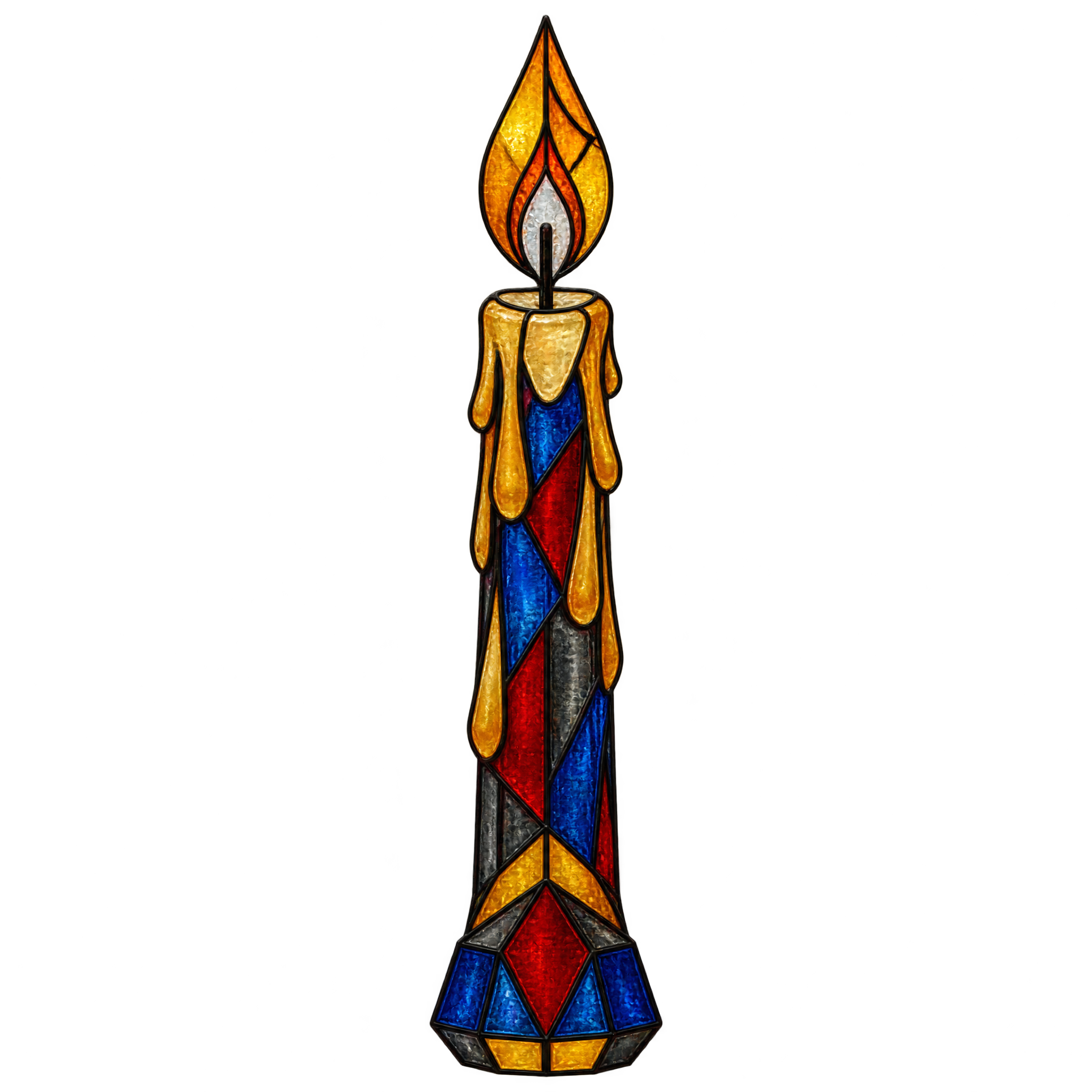
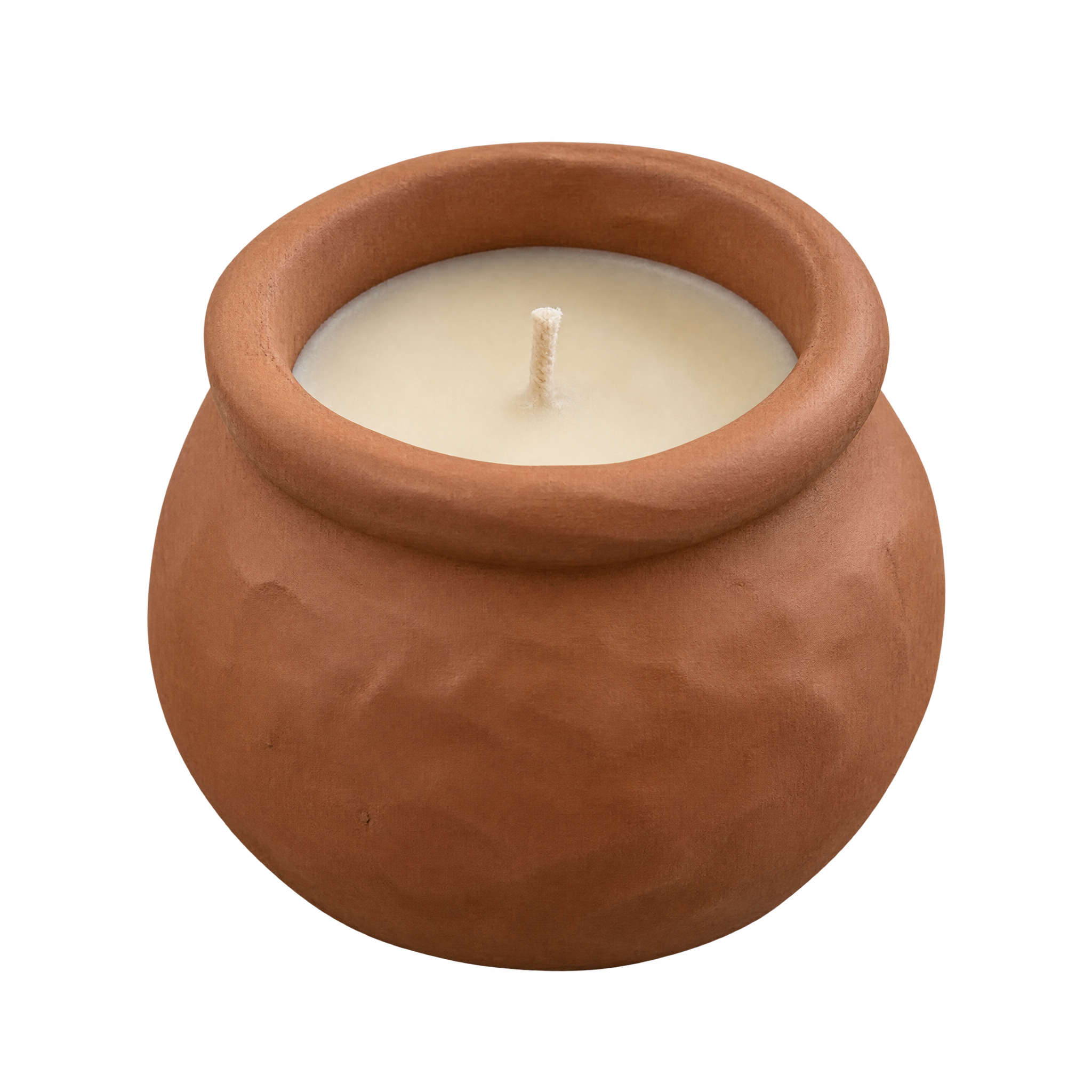
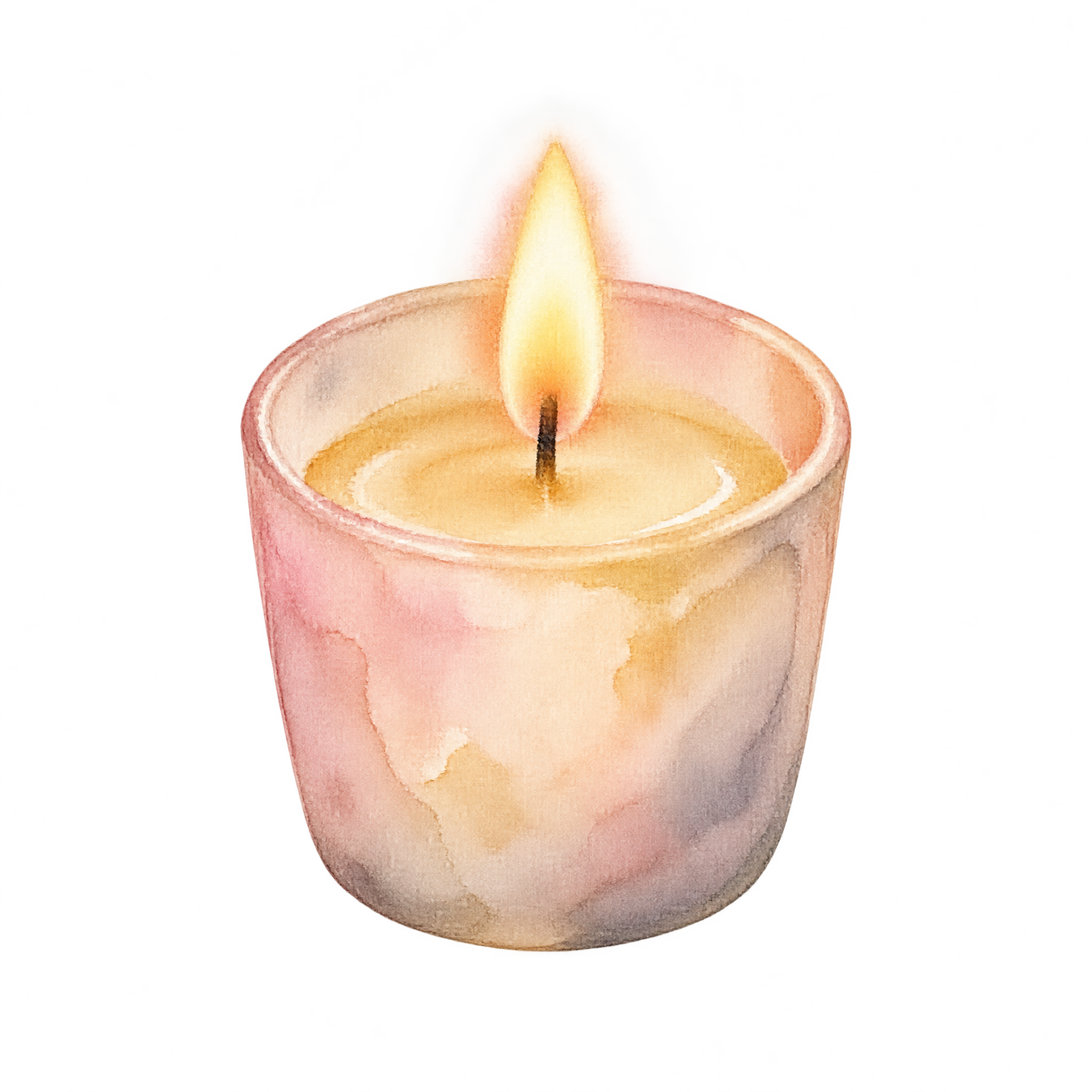
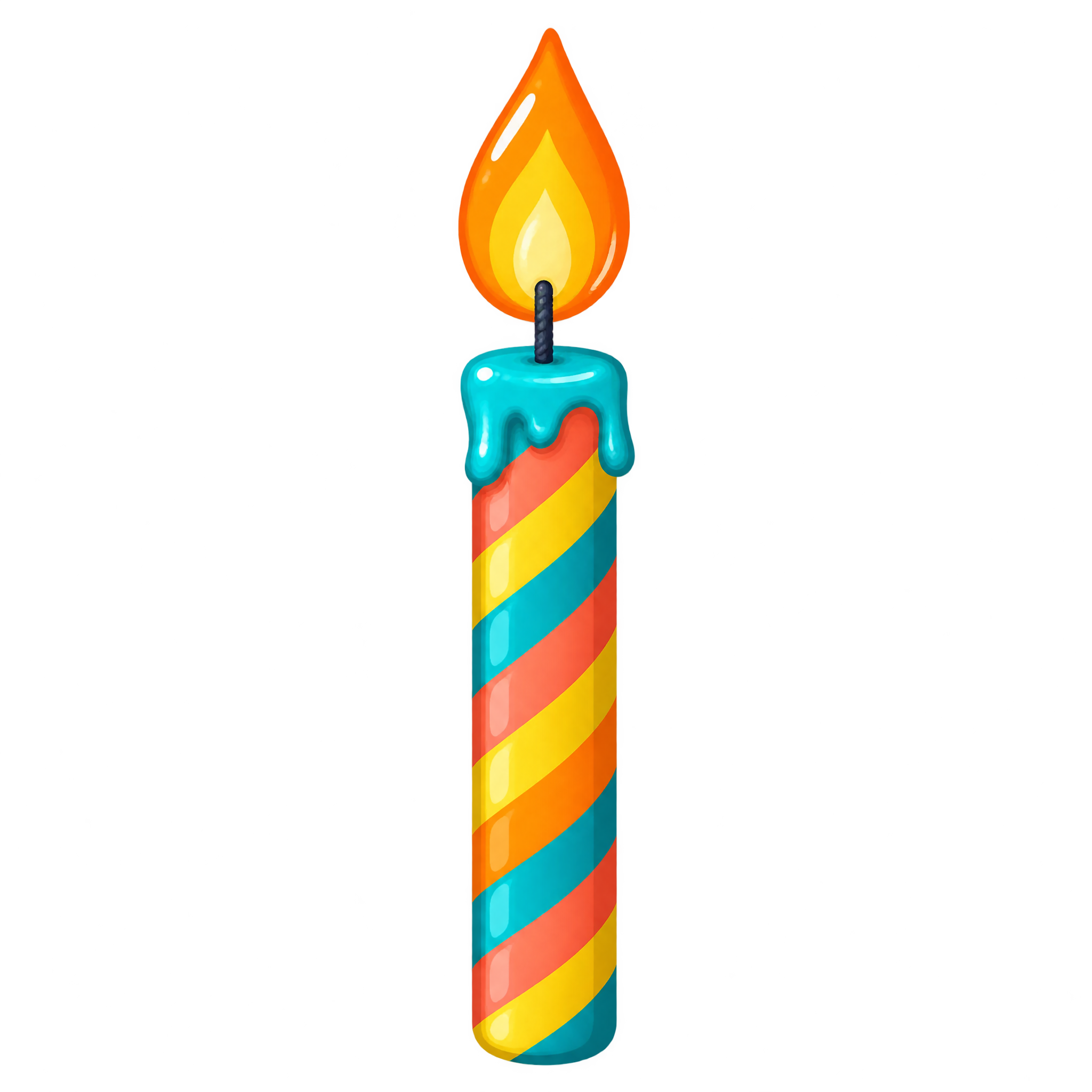
Questions about Neon Candle PNG
Can I create and download a Neon Candle PNG for free?
Yes. You can create and download PNGs for free with freepng.ai. Optional subscriptions provide more creative options and advanced features.
How can I get this PNG or create a related candle design?
Download the available image from its page, or open the PNG generator to create a related design. In the AI workspace, enter a description of the candle, glow, colors, and mood you want, then generate and download your PNG.
Why use PNG instead of JPG for a neon candle graphic?
PNG supports transparency, allowing the glowing candle to sit cleanly over invitations, posters, and digital compositions. JPG does not support transparent backgrounds and places the image within a rectangular background. Downloads here are PNG.
Can I use this Neon Candle PNG in Canva?
Yes. Download the PNG, then upload it to Canva as an image asset and place it in your design. You can arrange it with text, backgrounds, and other elements for invitations, social posts, or event graphics.
Where should I place the neon candle in a layout?
Its tall, narrow silhouette works well near a side edge, between text blocks, or as a centered focal point. Leave space around the flame so the bright contour remains distinct and does not compete with headings.