Preview background
Related Paper Cut Cactus PNG images
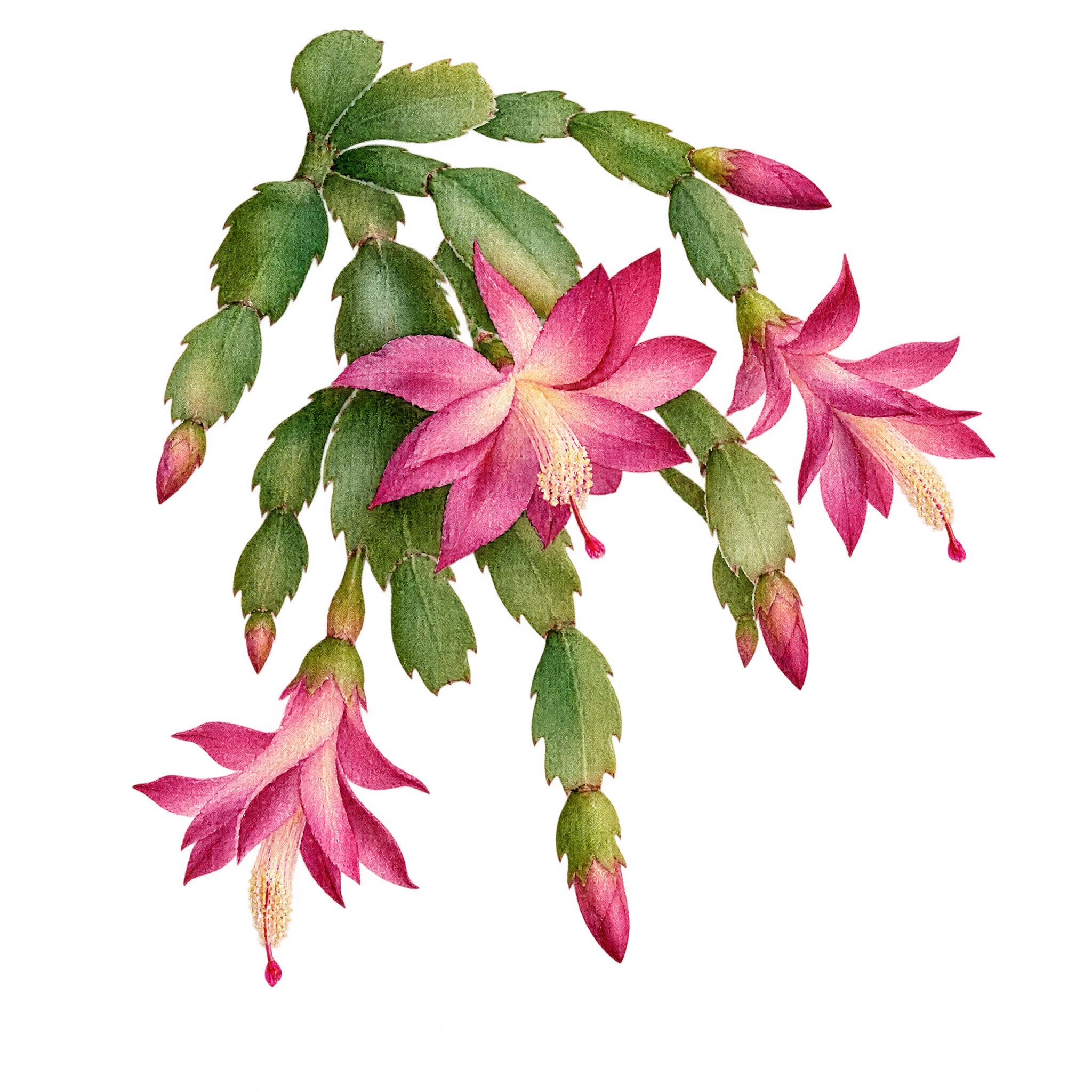
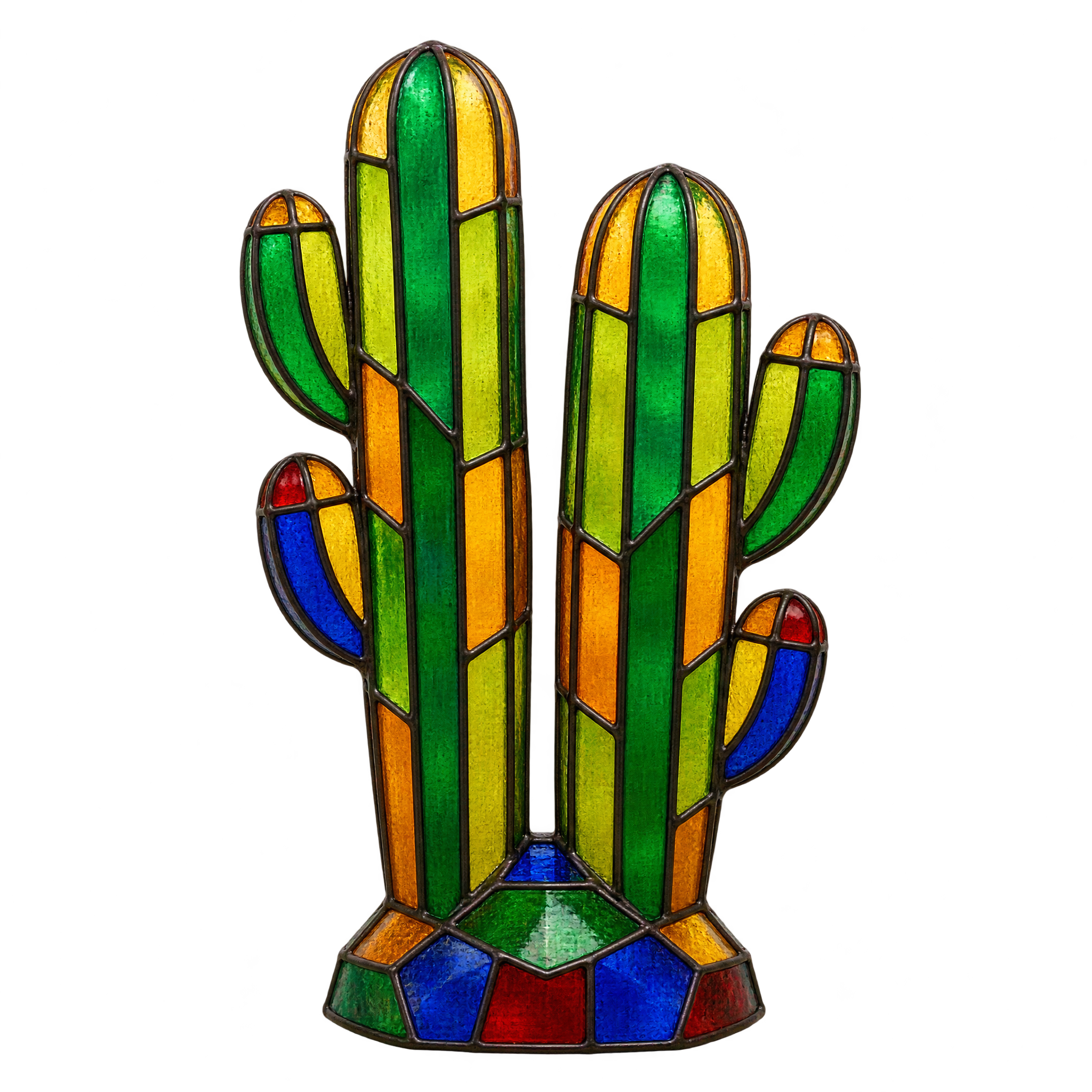
Questions about Paper Cut Cactus PNG
Can I create and download PNGs for free?
Yes. freepng.ai lets you create and download PNGs for free. Optional subscriptions provide more creative options and advanced features.
How can I download this image or create a similar cactus PNG?
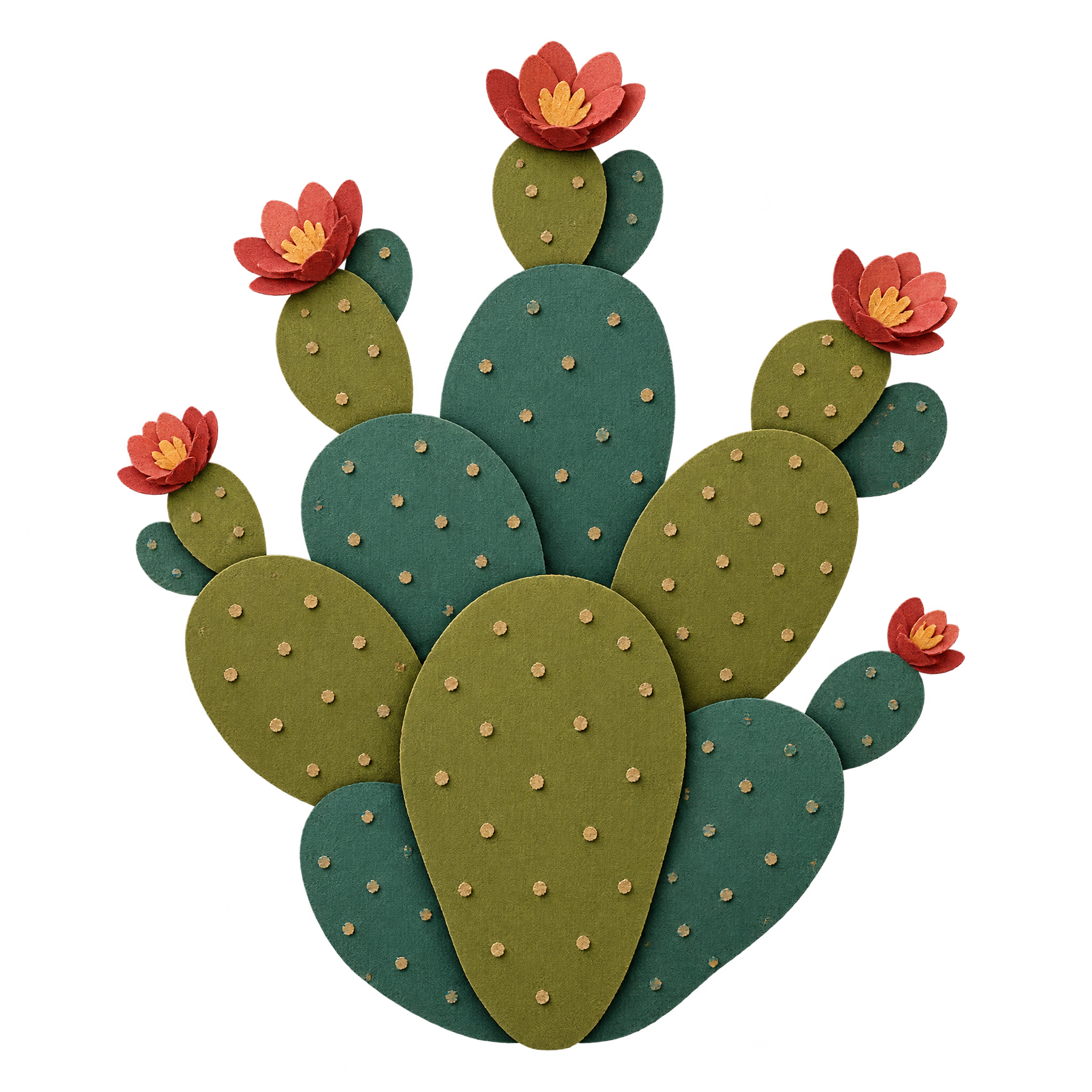
Download the featured artwork from this image page. To make a related design, open the PNG generator, enter a description such as a layered paper-cut prickly pear with oval pads and small flowers, then generate and download your PNG.
Why use PNG instead of JPG for this cactus artwork?
PNG supports transparent backgrounds, so the cactus can be placed over invitations, lesson pages, or other designs without a surrounding rectangle. JPG does not support transparency. The downloadable output here is PNG.
What does this Paper Cut Cactus PNG depict?
It depicts a stylized prickly pear cactus assembled from overlapping oval paper-cut layers. Small flowers accent the broad, front-facing silhouette and reinforce its handcrafted appearance.
How should I position this cactus in a layout?
Its broad frontal shape works well as a centered focal point or as a lower-page anchor. Leave space around the outer pads to preserve the silhouette, and place headings above it or short text beside it rather than across the layered details.